Model: BBB87276 www.lacrossetechnology.com/support Page | 2
GET STARTED
Step 1: Insert 3 new “AA” Alkaline batteries (not included) into the
back of clock. Observe correct polarity.
Restart: Remove batteries from the clock, press a button 20 times.
After 15 minutes, return to Step 1 above.
SET TIME AND DATE
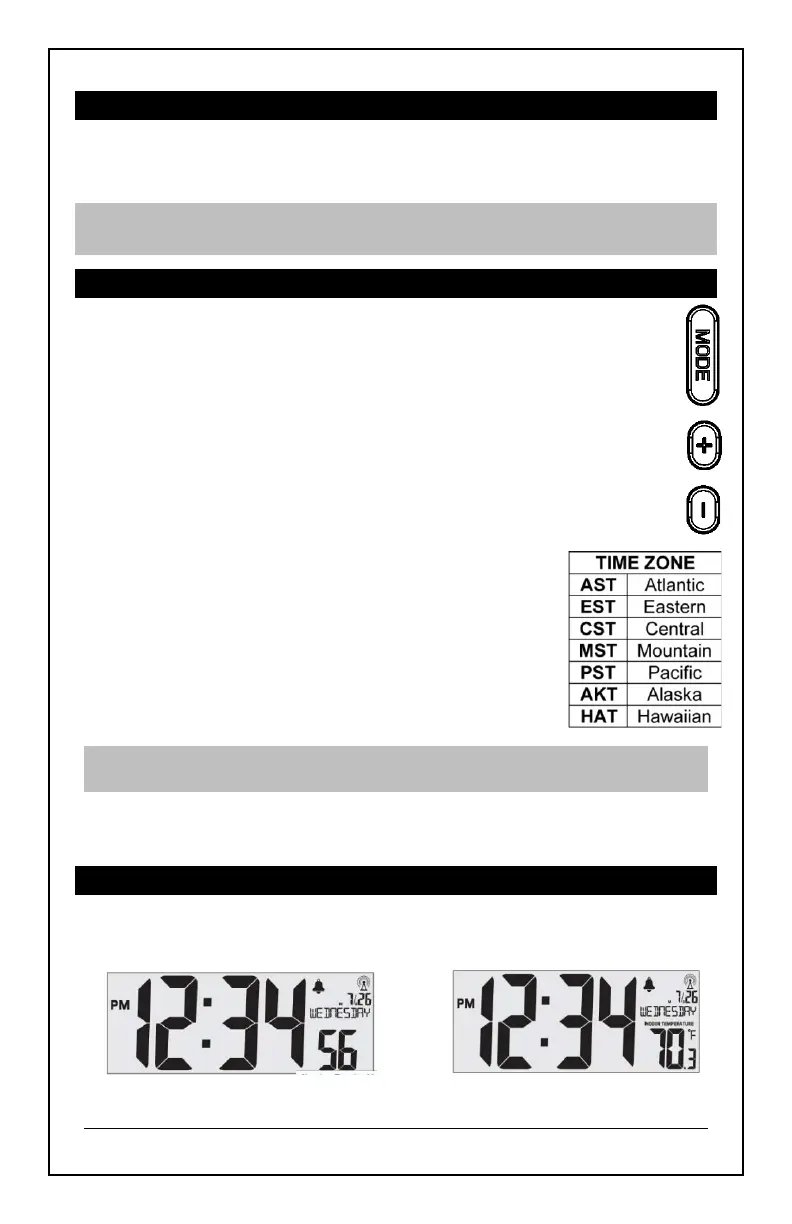
1. Hold the MODE button to enter time set mode.
2. Use the + or − buttons to adjust values.
Press and hold for those buttons for fast adjustment.
3. Press the MODE button to confirm adjustments and move to
the next item.
Time and Date setting order:
1. Beep On/OFF
2. WWVB On/Off
3. Time Zone
4. Daylight Saving Time (DST) On/Off
5. 12/24 Hour Time Format
6. Hour
7. Minutes
8. Year
9. Month
10. Date
11. Fahrenheit/Celsius
Note: Day of the week sets automatically when year, month and date
are set. If day of the week is incorrect, check the year setting.
Press the MODE button to exit, or wait 20 seconds without pressing
buttons to return to the normal time display.
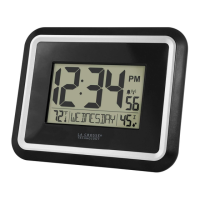
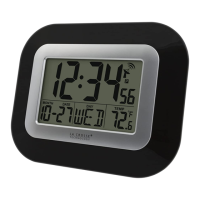
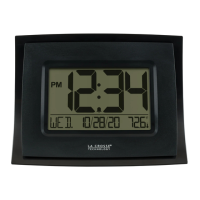
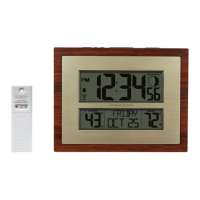
SECONDS OR INDOOR TEMPERATURE DISPLAY
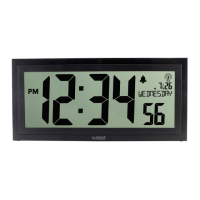
• Press the MODE button to select Seconds or Indoor Temperature
to be displayed.
Seconds Display Temperature Display

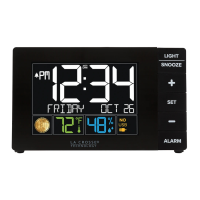
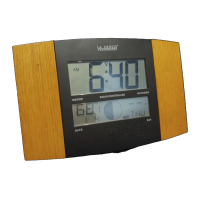



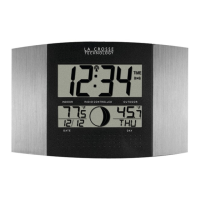

 To Next Page