POWER UP
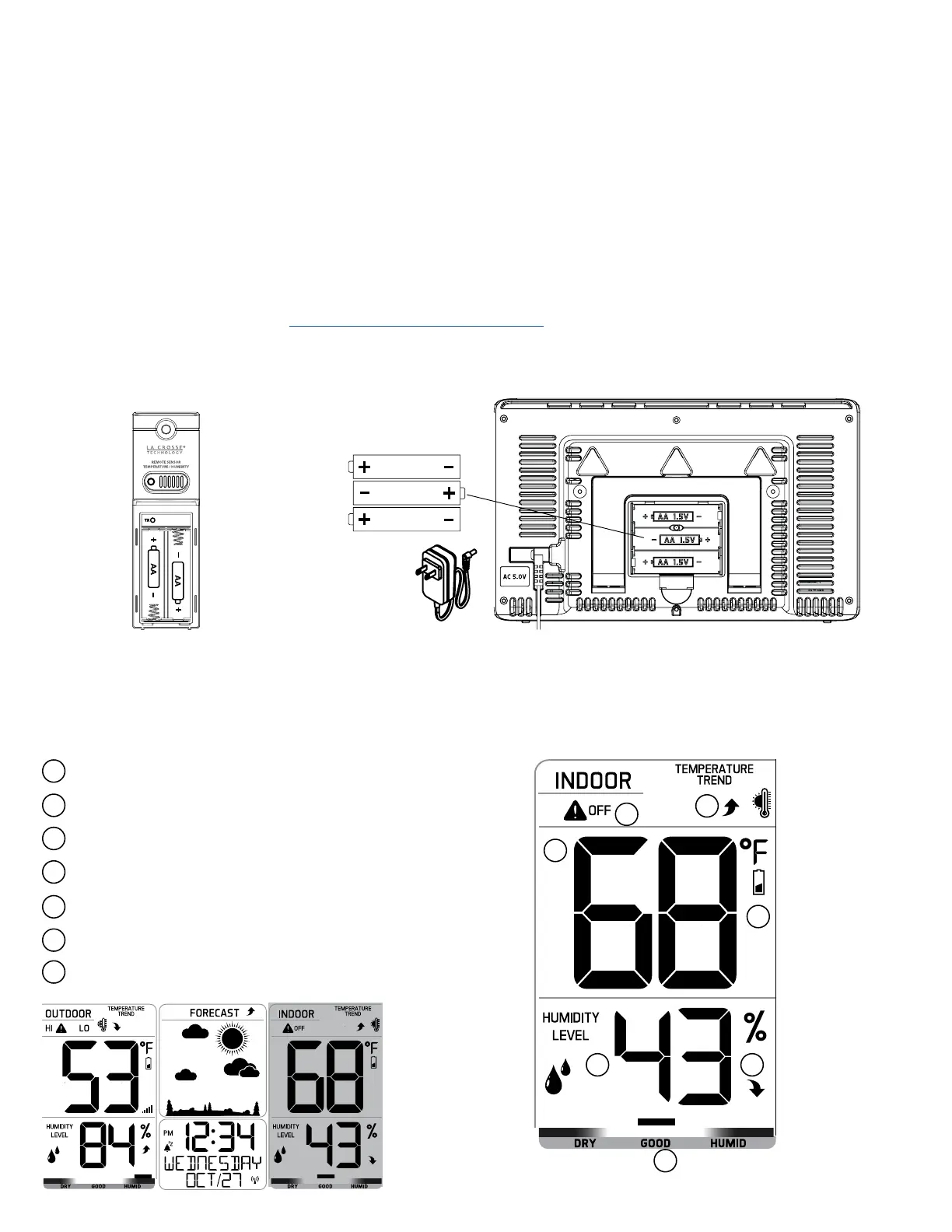
1. Insert 2-AA batteries into your Outdoor Sensor.
2. Insert the 5 volt power cord into an outlet, then into your
station. Optional: Insert 2-AA batteries for backup.
3. Adjust time and date settings on your station.
4. Once the Outdoor Sensor is reading to your station, place it outside in a shaded location.
Watch sensor mounting video: http://bit.ly/TH_SensorMounting
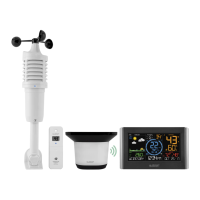
Outdoor Sensor
TX141TH-Bv3
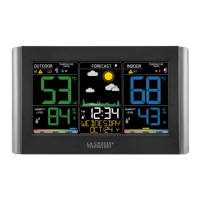
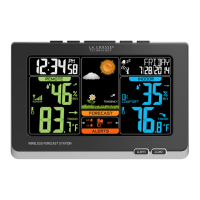
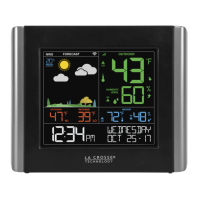
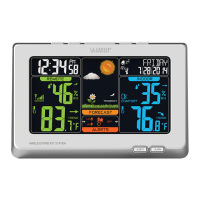
Wireless Weather Station
C85845v4
LCD FEATURES
Wireless Temperature & Humidity Station Page | 3
AA
AA
AA
2
3
4
1
5
6
7
Alerts (HI-LO-OFF)
Temperature Trend
Indoor Temperature
Low Battery
Indoor Humidity
Humidity Trend
Comfort Chart
2
3
4
1
5 6
7





 To Next Page