COMFORT CHARTS
TEMPERATURE & HUMIDITY ALERTS
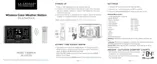
Programmable Temperature and Humidity alerts keep you on top of changing conditions.
To set alerts:
1. Hold the ALERTS button to enter alert set mode. Outdoor HI ALERT OFF will show. If you wish to set this
alert value, press the + or – buttons to arm this alert (ON).
2. When the alert is armed (ON) press and release the ALERTS button and the alert value will flash.
Press the + or – buttons to change the alert value.
3. Press the ALERTS button to confirm and move to the next alert.
Note: If you do not wish to set an alert, press the ALERTS button again to move the next alert. (When the
alert is OFF (disarmed) press ALERTS button to skip setting that alert value).
Note: Press the BACKLIGHT button at any time to exit.
Wireless Temperature & Humidity Station Page | 7
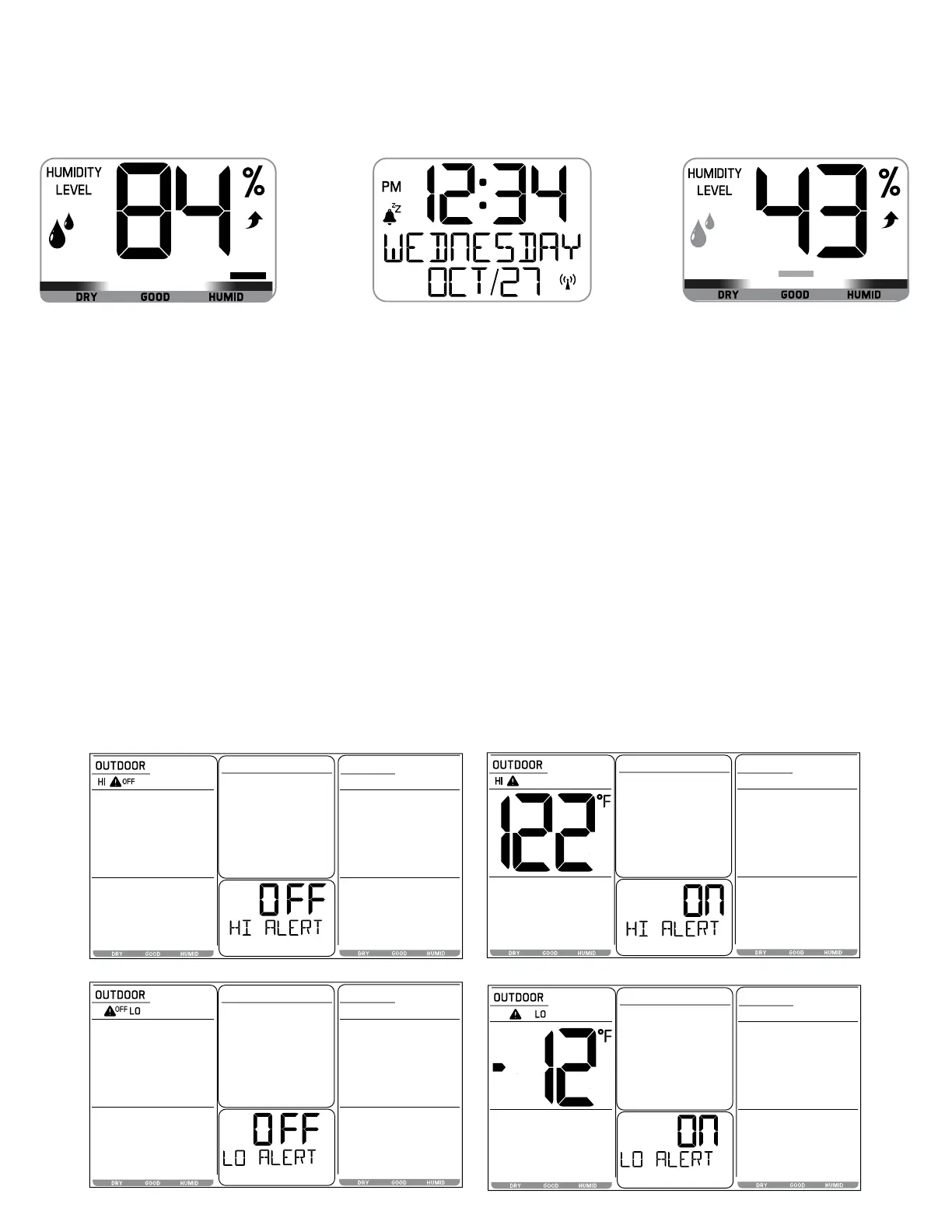
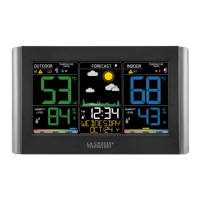
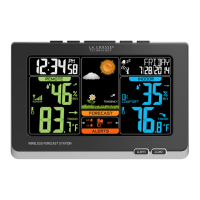
• Indoor & Outdoor comfort charts keep you informed when the humidity is at a comfortable level.
• The bar over the chart will move to indicate the humidity level.





 To Next Page