WI-FI WIND & WEATHER STATION Page | 13
Custom Data Stream
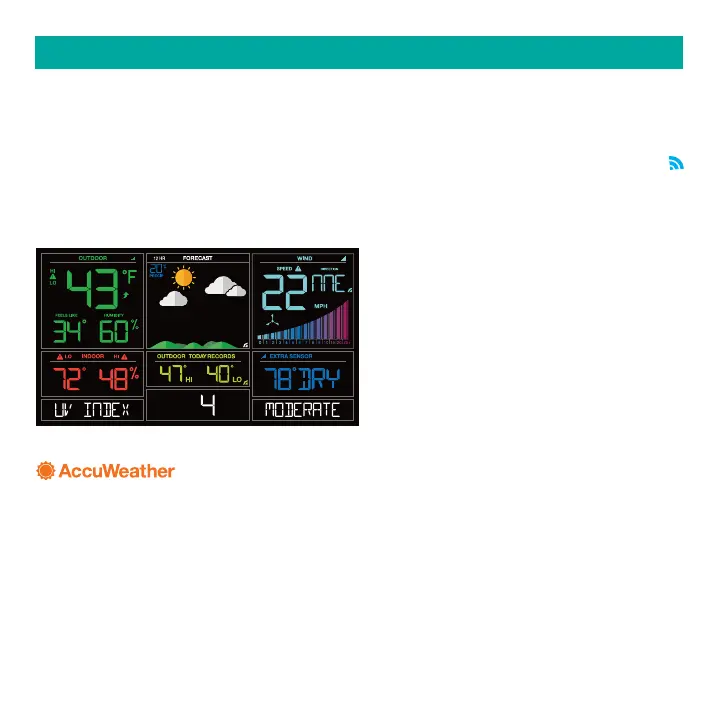
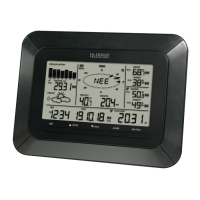
Use the Data Stream Menu in the La Crosse View™ app to select up to 3 items to stream on
your station.
1. Open the La Crosse View™ app and swipe until you find your station’s device page.
2. Scroll down to the Data Stream section and press the blue stream icon in the upper right.
3. Follow the app’s instructions to customize your “Data Stream” to display on your station
Note: Allow up to 10 minutes for new Data Stream selections to appear on your station.
CUSTOM DATA STREAMS
Data Stream Items:
Customizable Data Streams to enhance your in-home display:
Wind Speed Wind Direction Wind Gust UV Index Visibility Dew Point
Percentage of Clouds Sunrise Time Sunset Time Hours of Sunlight Moon Rise Time
Moon Set Time Temperature/Humidity and more!
Personal Messages
Enter up to 20 characters for special events or reminders, such as:
SOCCER TONIGHT ICE CREAM IN FREEZER GREAT JOB MATH TEST or anything you can
think of!
Note: Allow up to 10 minutes for new Data Stream selections to appear on your station.






 To Next Page