WI-FI WIND & WEATHER STATION Page | 16
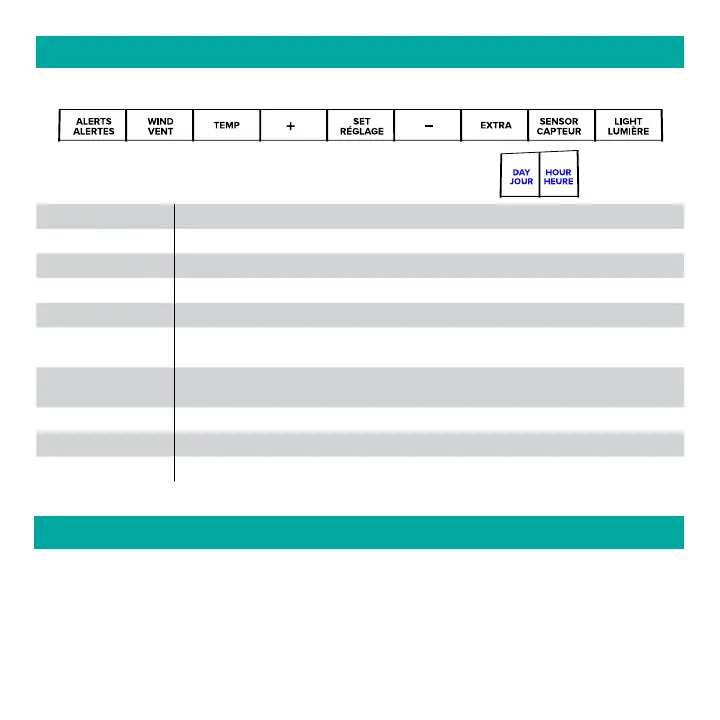
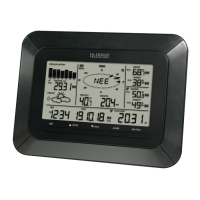
Buttons located on top of Professional Weather Station
Buttons located on the right side of Professional Weather Station
BUTTON FUNCTIONS
ALERTS Hold to enter Alert Set Mode.
WIND, TEMP Press to view history.
+ or Use + or – to adjust values in settings.
+ & Hold both buttons to search for Wi-Fi.
SET Hold for basic settings. Press to view Wi-Fi status.
EXTRA
Press to toggle through Extra Sensors & Barometric Pressure.
Hold to add Sensors.
SENSOR
Press to view sensor ID numbers, then hold PLUS (+) to search, or hold
MINUS (–) to remove.
LIGHT Press to adjust brightness. Hold to set Auto Dim.
ALERTS & LIGHT Hold both buttons to reset all sensor ID’s and Wi-Fi settings.
DAY, HOUR Press to see forecast. Must be connected to Wi-Fi.
Your station has 5 levels of brightness for the backlight:
• Press and release the LIGHT button to adjust the backlight at 5 levels of intensity.
Levels: OFF = 0% | level 1 = 1.5% | level 2 = 20% | level 3 = 50% | level 4 = 100%.
ADJUSTABLE BACKLIGHT






 To Next Page