WI-FI WIND & WEATHER STATION Page | 32
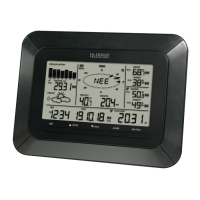
CA80550 Weather Station:
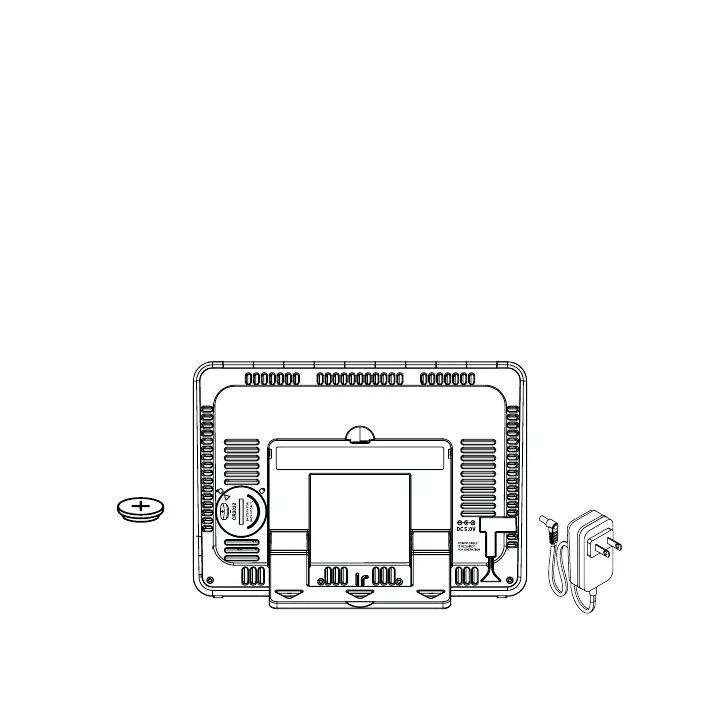
1. Insert the power cord into a wall outlet, then into your station. Remove the insulation tab
from the CR2032 battery installed in the bottom of your weather station to maintain time/
date in the event of a power outage.
Mounting:
1. Place your station near an outlet. Power cord is required for operation.
2. Use the mounting holes on the back to place your station on a wall.
3. Use the pull down stand on the back of your station to place on a desk or counter.
4. Your station should remain in good Wi-Fi range of your wireless router to use all the remote
monitoring options using the La Crosse View app.
Power
Cord
CR2032
Battery






 To Next Page