WI-FI WIND & WEATHER STATION Page | 6
DOWNLOAD
Visit the App Store or Google Play Store to download the free LaCrosse View™ app onto your
mobile device.
LAUNCH & FOLLOW
Open the LaCrosse View™ app and follow the on-screen instructions.
HAVING TROUBLES CONNECTING?
Make sure your mobile device is connected to your router’s 2.4GHz Wi-Fi network, and
that you’ve correctly entered your Wi-Fi password.
For more troubleshooting tips and support visit:
www.lacrossetechnology.com/lacrosseviewsupport
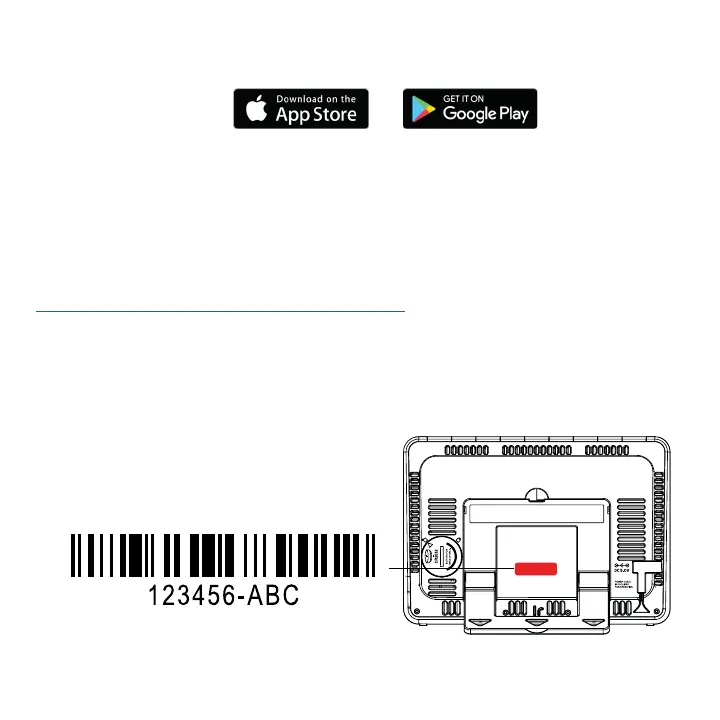
• Your station’s device ID can be found on the back of the display.
• Within 15 minutes after your station connects to the La Crosse View app, you should receive
notifications to add your sensors. These will display in your app’s Notification Center.
Device ID






 To Next Page