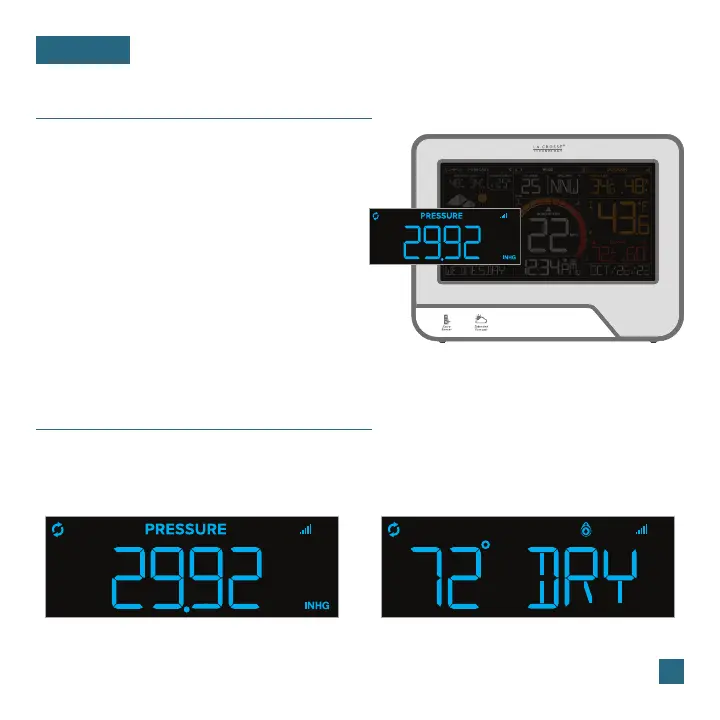
The Relative Pressure reading will come from your
display’s internal barometer.
• Please allow up to 10 days for automatic
calibration, or program your local pressure
value in the Settings Menu.
• The default pressure reading is 29.91 InHg
(1013 hPa). The display will acclimate on its
own if the pressure value is not set.
• Select your preferred unit of measurement
(hPa or InHg) in the Settings Menu.
13
Relative Pressure
PRESSURE
Relative Pressure Example Water Leak Sensor Example
Pressure & Add-On Sensor Data
Your relative pressure and add-on sensor data share the same section on the display. Whether you
choose to connect to the La Crosse View app or not, this display can show data for up to 4 extra
sensors. This data will appear in the blue section on the display and in the app if connected.
Note: Add-on sensors are sold separately. See pages 22-24 for add-on sensor information.















 To Next Page