• Time projection (hour and minute)
• Projection with adjustable brightness and projection orientation possible
• Calendar display (weekday, date, month)
• Alarm setting with snooze function
• Time zone (±9 hours)
• Indoor temperature display in degree Celsius
• LED back-light
SETTING UP:
The Projection clock can be batteries operated or powered by the provided AC/DC adapter.
BATTERIES INSTALLATION
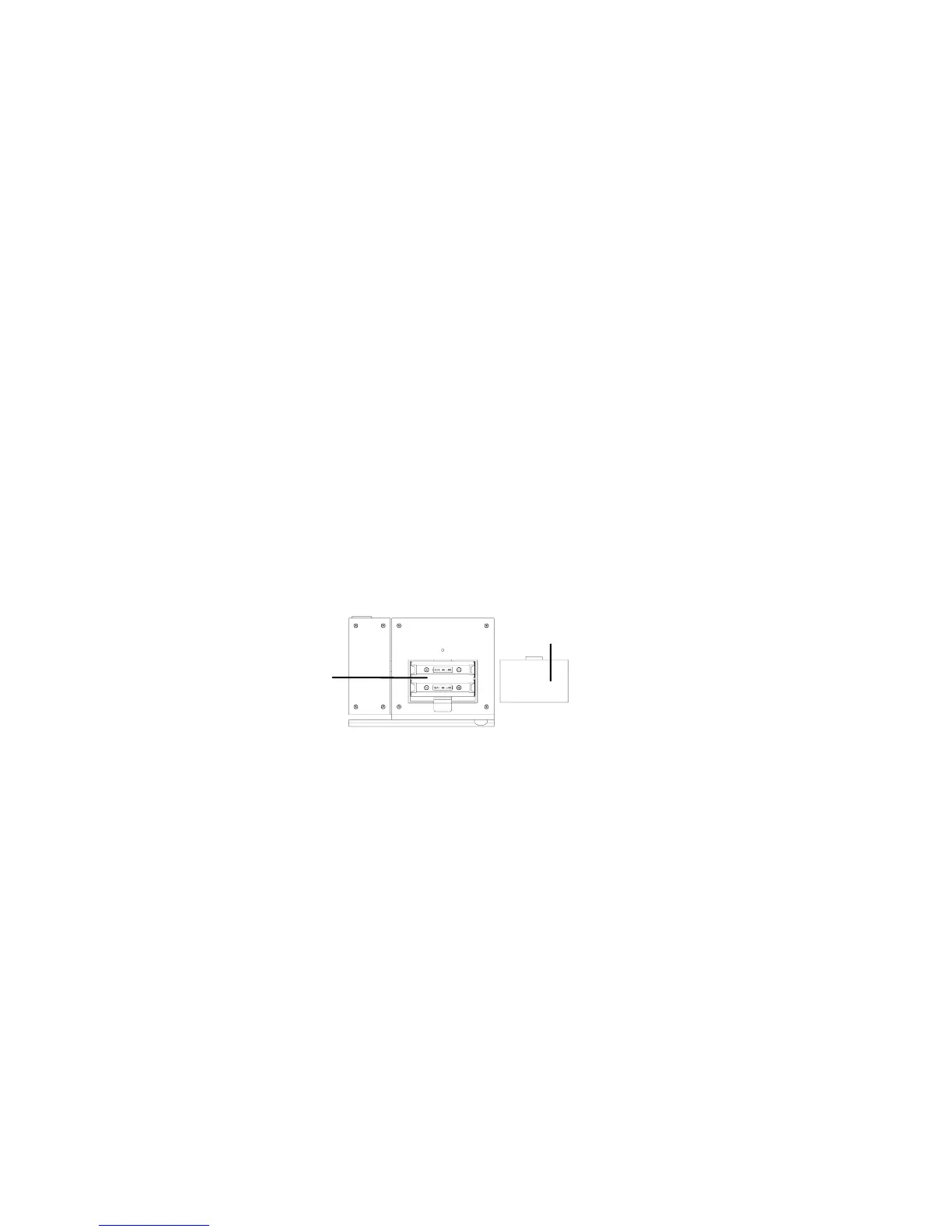
Battery cover
Battery
compartment
1. Open the battery cover at the back of the Projection clock as indicated above.
2. Checking the correct polarization, insert 2 x AA, IEC LR6, 1.5V Alkaline batteries into the battery
compartment and replace the cover.
16




 To Next Page