Activity Guide
4 Tech-Design by Lab-Volt
Changing Speeds Automation & Robotics
Loading Your Program
The 5100/5150 File Server Application is designed to save the programs you make with the Teach
Pendant on a computer. It is used solely for use with the Teach Pendant.
5100/5150 File Server Application
Open the 5100/5150 File Server Application by clicking on the FS icon in the toolbar. The 5100/5150 1.
File Server window appears.
The I/O Menu of the Teach Pendant allows you to load and save programs to and from the host 2.
computer. Go to the Main Menu of the Teach Pendant and select the I/O Menu.
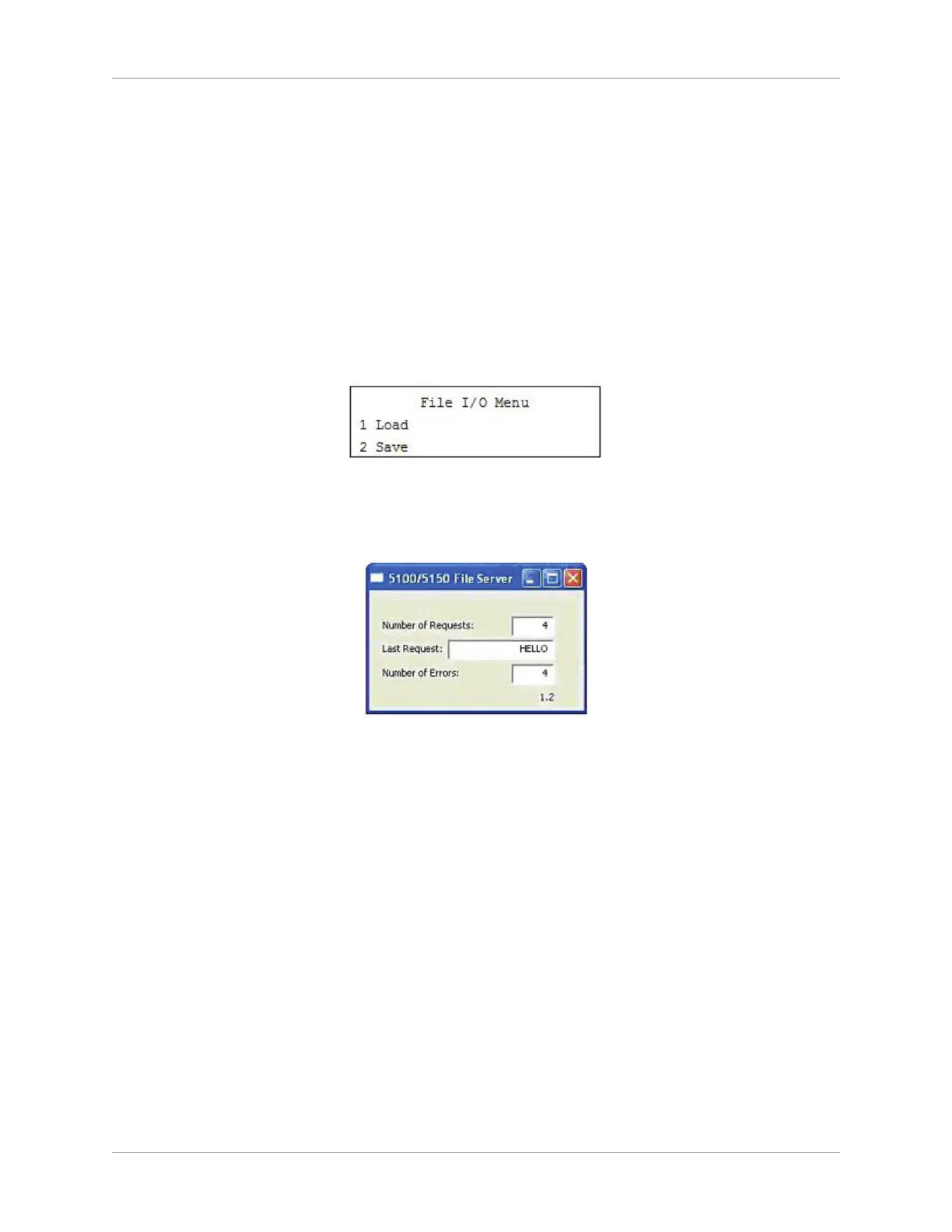
When the Teach Pendant and the server connect, the following screen appears:3.
Teach Pendant I/O Menu
The 5100/5150 File Server window should open and a “Hello” message should appear in the Last 4.
Request text eld.
File Server Window
Navigate to the Load (1) option. This option is used to load an existing program into the Teach 5.
Pendant memory. To load a saved program, enter the number beside its name. Any program in the
Teach Pendant memory will be erased. You can scroll through the list of saved programs using the
up and down arrow keys.
The message “recv” is displayed while the le is loading. When this message disappears, press the 6.
ESC key twice to return to the Main Menu.
If you have previously saved a program made in the task mode and then later load that program 7.
while in process mode, the Teach Pendant will switch to the task mode automatically.
Go to the next section in the presentation.8.



 To Next Page