Activity Guide
Tech-Design by Lab-Volt 9
Automation & Robotics Methods of Programming
Introduction to Programming
In this activity, you will record points and use them to create a program that makes the robot dip a part
into a tank.
Start Programming
Equipment Position
Open 1. RoboCIM, and from the Welcome screen, select Create a new RoboCIM workspace.
Select Work Surfaces in the View menu of the 2. RoboCIM menu bar. The Work Surfaces dialog box
appears. Set the R+ eld to 2, and the C+ eld to 1. Set the R- and C- elds to 0. Click on Close to
accept the new settings and close the box.
Position the Objects
Two work surfaces now appear in the view display area.
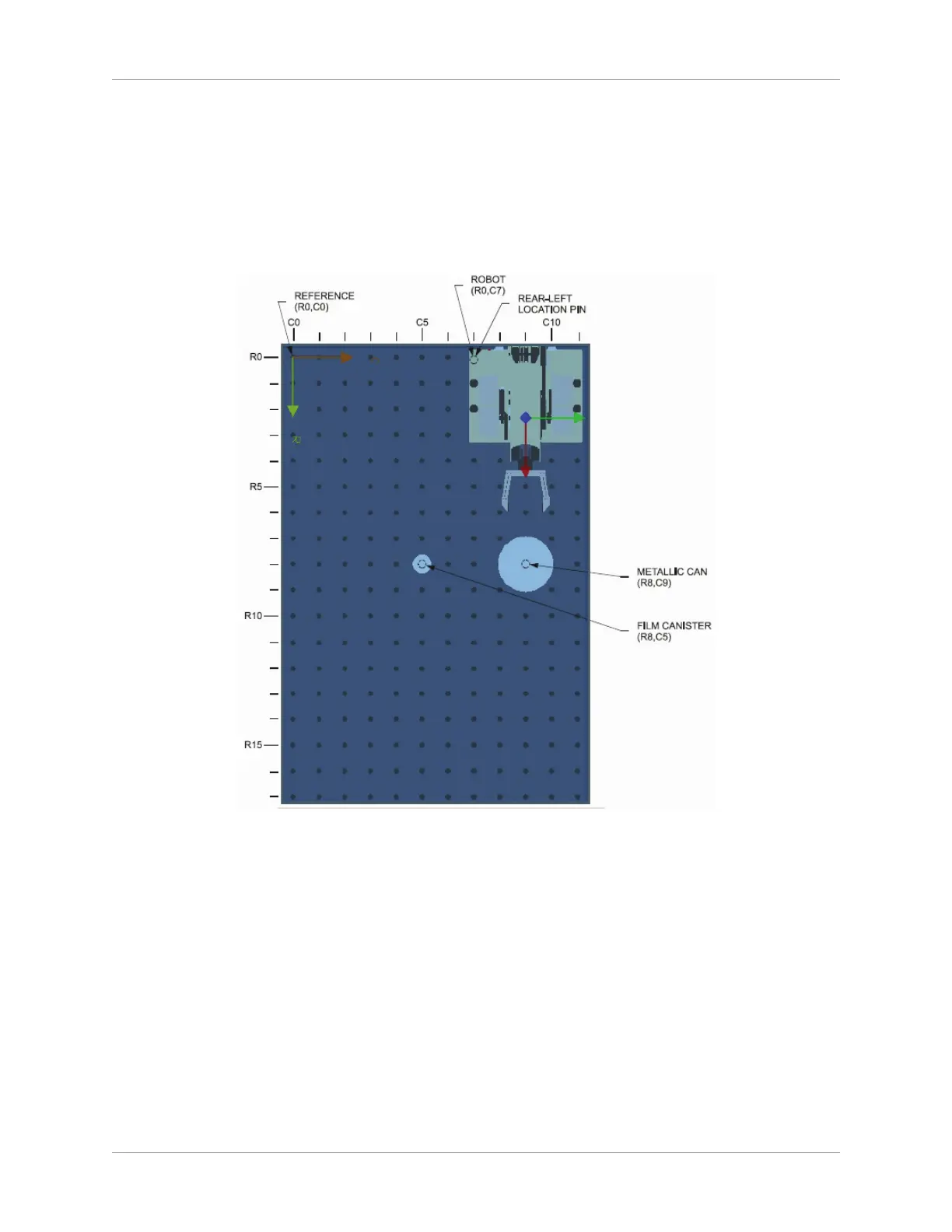
Change the position of the robot as follows:3.
Select the Object tab to display the Object window. Since the R and C coordinates are currently a.
set to R0, C4, the robot is at 0 row of perforations from the R axis, and four rows of perforations
from the C axis in the direction pointed by this axis.



 To Next Page