Activity Guide
8 Tech-Design by Lab-Volt
Basic Robotics Automation & Robotics
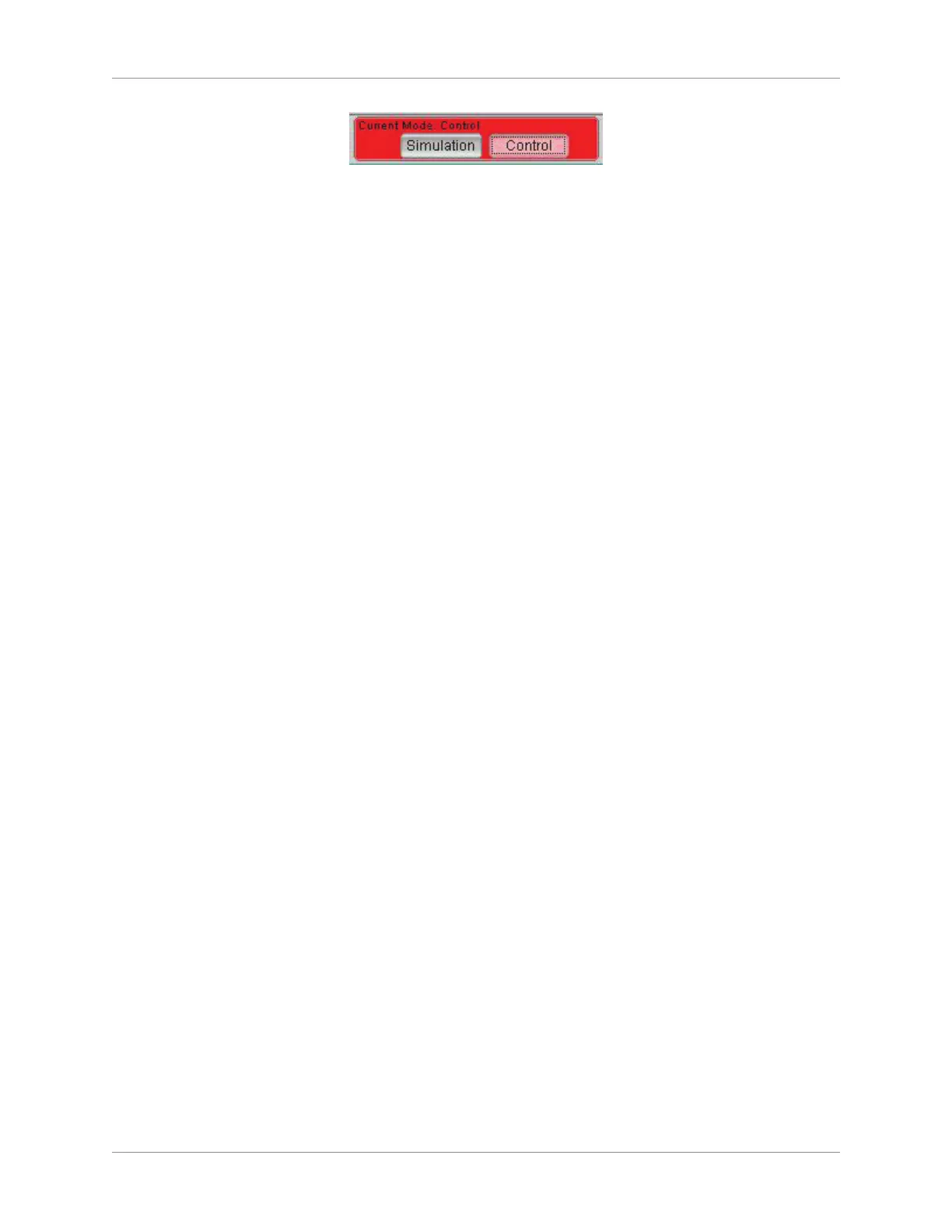
Current Mode: Control
Now that 3. RoboCIM is in the Control Mode, use the arrows of the ve articulations in the Motion
window to move each articulation. Observe the motions performed by the actual robot. Return each
articulation to its initial location.
Once you are familiar with control of the robot articulations, return the robot arm to its home position 4.
by performing a soft home position. To do this, select Soft Home from the Motion menu of the
RoboCIM menu bar.
On the work surface, put the objects shown in the graphic Equipment Position (square part, lm 5.
canister, and metallic can), making sure to position them as indicated in the gure.
NOTE: the dashed lines in the gure indicate how the objects will be moved by the robot
in the steps that follow.
In the Motion window of 6. RoboCIM, use the arrows of the ve articulations and the Open/Close
buttons of the gripper to make the robot grasp the lm canister at position (R7, C6) and move it right
over the metallic can without colliding into it.
Once the lm canister is over the can, open the gripper in order for the canister to be dropped into 7.
the can.
Use the arrows of the ve articulations and the Open/Close buttons for the gripper to make the robot 8.
grasp the square part and move it to position (R2, C2) of the work surface.
If you have time, continue experimenting with moving the robot articulations by making the robot 9.
grasp the square part and moving it at several locations on the work surface.
Exit 10. RoboCIM. Do not save the workspace.
Shutdown Procedure
Make sure there is nothing inside of the robot gripper. If an object is in the gripper, open it to release 1.
the object.
Clear the area around the robot.2.
Execute a soft home positioning by selecting Soft Home in the Motion menu of the menu bar.3.
Set the mode to Simulation.4.
Turn off the power supply.5.
Ask your instructor if the equipment should be disconnected. If yes, disconnect the system and 6.
return the equipment to its storage location.
Go to the next section in the presentation.7.



 To Next Page