2
Chapter 1: Getting Started AmpliFi User Guide
ULabs
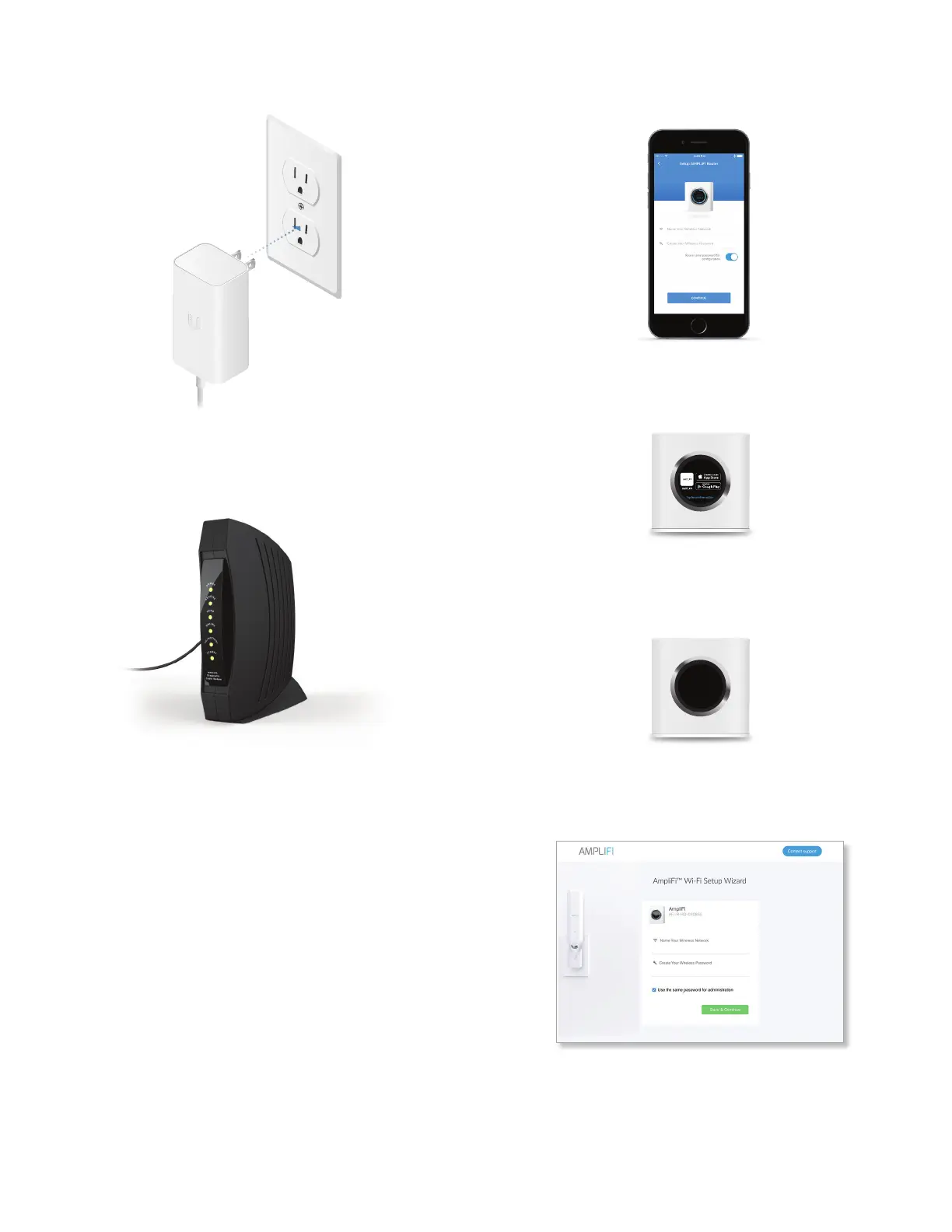
5 Connect the Power Adapter to a power outlet.
6 Power on your broadband modem.
7 App Users Follow the on-screen instructions to
congure your AmpliFi Router.
Non-App Users Perform the following steps:
• Tap the touchscreen on the AmpliFi Router.
• Use a computer or tablet to connect to the unique
wireless network (SSID) displayed on the screen of
your AmpliFi Router.
Please connect to this
Wi-Fi Network
AFI-R-HD-1234567890XX
Setup
• Launch a web browser and a portal will appear. Enter
a new name for your wireless network and create a
wireless password. Click Save & Continue.
• Connect to the new wireless network that you’ve
created from your computer or tablet.


 To Next Page