4
Chapter 1: Getting Started AmpliFi User Guide
ULabs
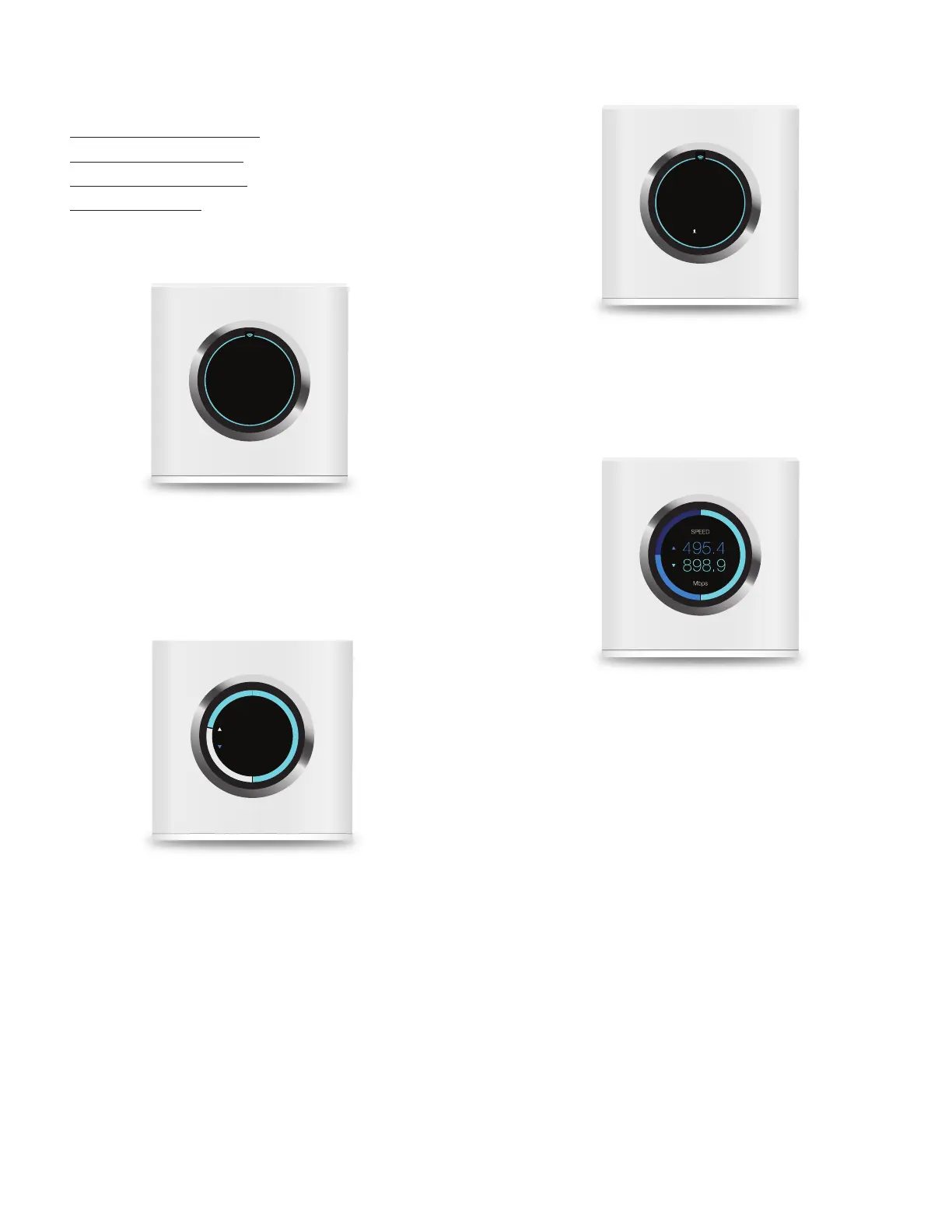
Touchscreen of the Router
The touchscreen of the Router offers the following screens:
• “Time and Date” on page4
• “Throughput” on page4
• “IP Addresses” on page4
• “Speed” on page4
For configuration, refer to the AmpliFi app.
Time and Date
MO
JUL 18
AMPLIFI
AM
1137
• Time Displays the time of day.
• Day of the Week Displays the day of the week.
• Date Displays the calendar date.
Throughput
JUL 15 — NOW
Total MB
317.9
126.4
• Date Displays the calendar date.
• Total MB, Upload Displays the total amount of data
uploaded.
• Total MB, Download Displays the total amount of data
downloaded.
IP Addresses
WAN IP
1
10.0.2.192
ROUTER IP
192.168.124.1
• WAN IP Displays the public or Internet IP address of the
Router.
• Router IP Displays the local IP address of the Router.
Speed
• Speed, Upload Displays the current upload speed.
• Speed, Download Displays the current download speed.


 To Next Page