HOW TO OPERATE THE MAIN UNIT OF THE EV400Touch/EV400VAC
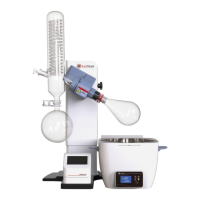
The EV400Touch and EV400VAC are equipped with an advanced touch control panel which ensures smart and
programmable evaporation.
The EV400Touch supports Standard and Gradient Step evaporation mode.
The EV400VAC supports Standard, Gradient Step, solvent library, and auto-distillation functions.
EV400TOUCH
Lift Up/Down
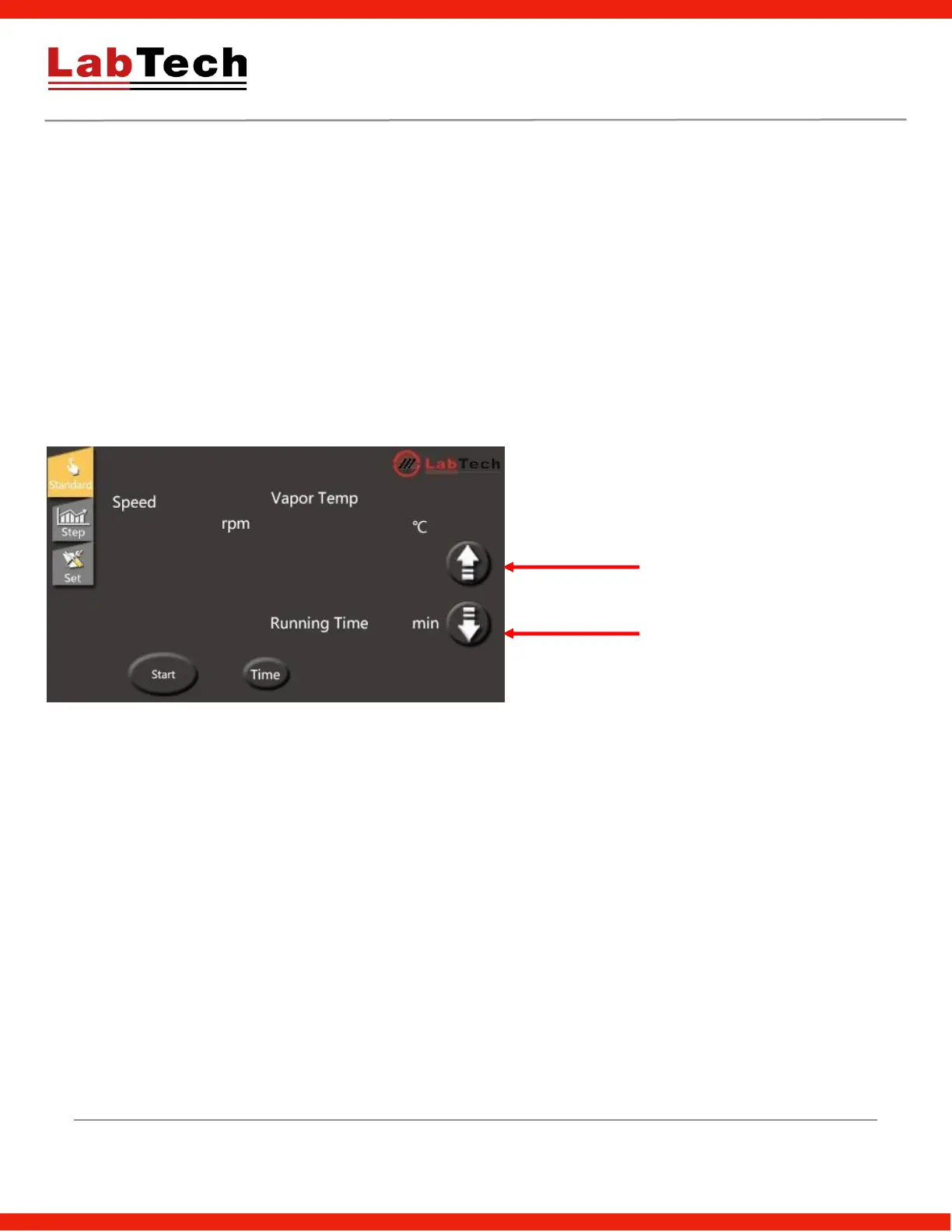
Click the up/down key to move the rotation flask up/down, click it again to stop.
Standard Control Mode
Setpoint
Actual speed
Lift Up/Stop
Lift Down/Stop
Rotation speed: Upper white numbers are set speed. Lower yellow numbers are real value. Click the white
number to change the setting speed.
Vapor Temp: Displays the vapor temperature which requires a vapor sensor (optional).
Running time: Displays the real running time. The time can be set via the "Time" icon.
Start/Stop: Starts/Stops the system.


 To Next Page