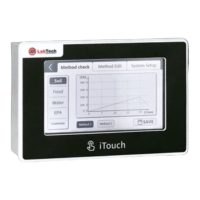
Standard Control Mode
Rotation speed: Upper white numbers are set speed. Lower yellow numbers are real value. Click the white
number to change the setting speed.
Vapor temp.: Displays the vapor temperature which requires a vapor sensor (optional).
Running time: Displays the real running time. The time can be set via the "Time" icon.
Start/Stop All: Starts/Stops both the rotation system and the vacuum control system.
Start/Stop Rotation: Starts/Stops the rotation system.
Step mode
Step no.: In Step mode, current running step no. and running time of this step will be displayed.
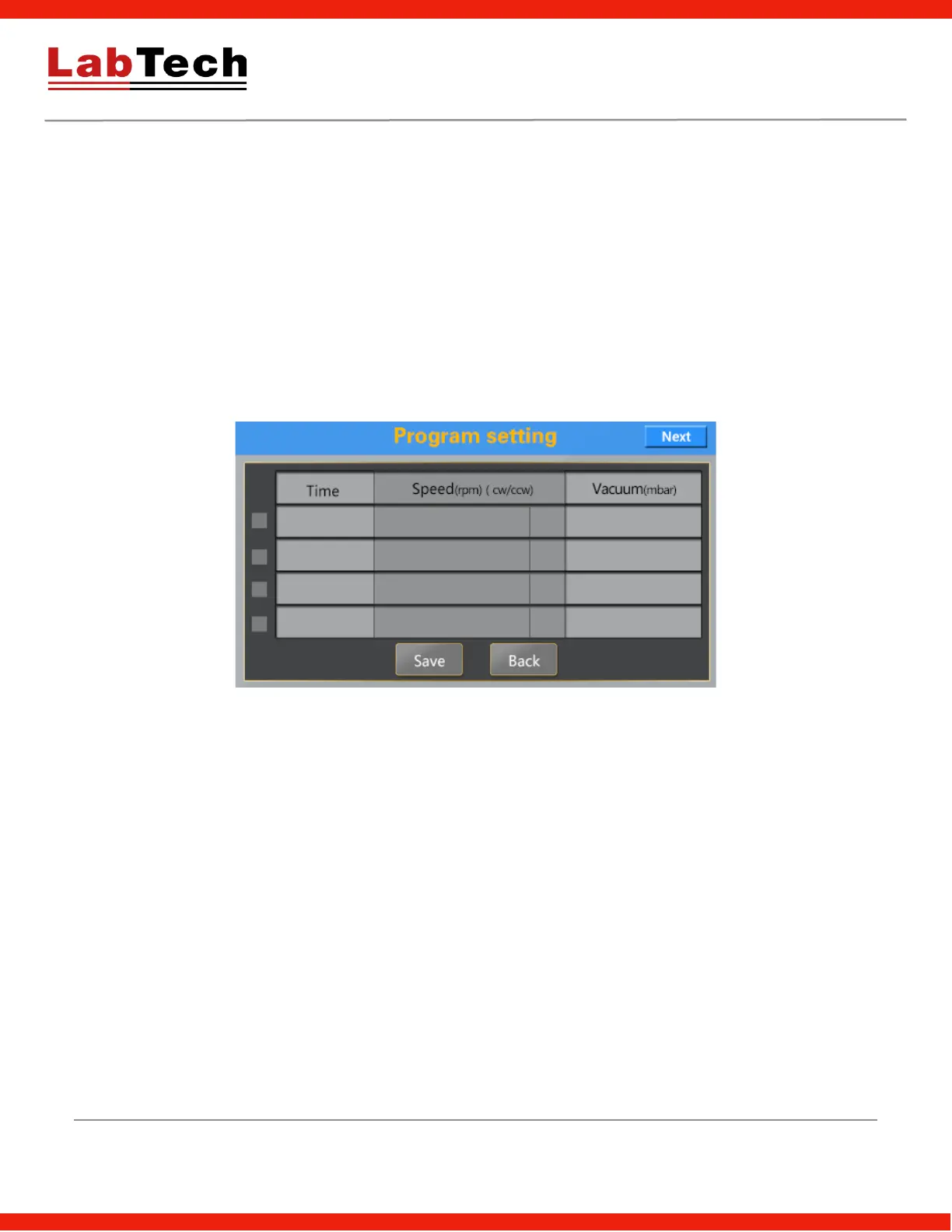
Set: Set step program in below picture.
The EV400VAC supports up to 8 steps with parameters including time, rotation speed, direction (0: clockwise,
1: counterclockwise) and vacuum pressure (from 0 up to 999 mBars)
Choose checkbox to set different steps.


 To Next Page