d2 USB 3.0 User Manual 13
STEP 2 - CONNECT THE POWER SUPPLY
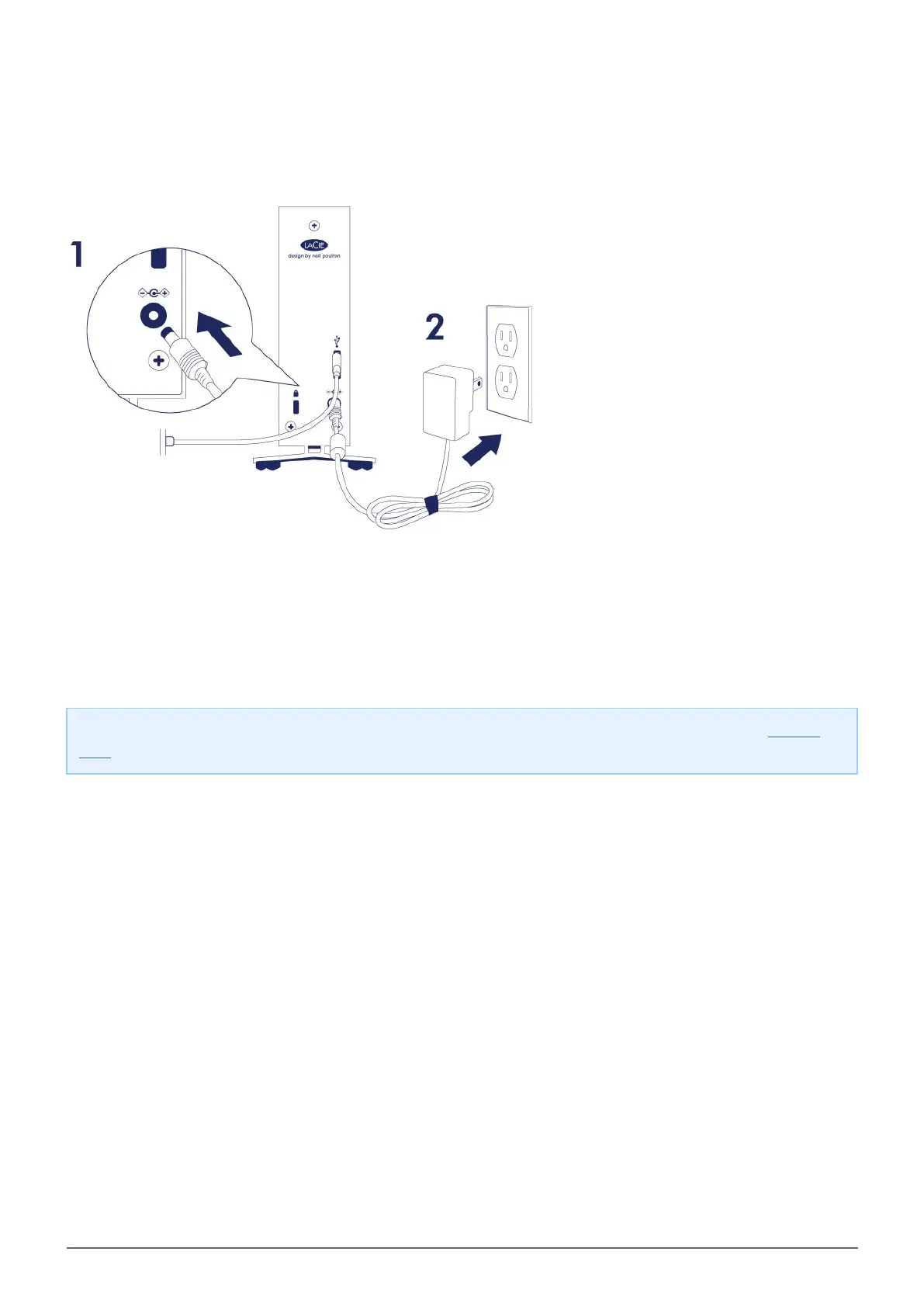
Connect the power supply in the following order:
The power input port on the back of the LaCie d2.1.
A live power outlet.2.
The LaCie d2 will power on automatically when it is connected to a computer that is turned on and a live power
outlet.
Note: If the hard drive’s volume does not mount on your computer, see troubleshooting topics at Getting
Help.



 To Next Page