d2 USB 3.0 User Manual 14
STEP 3 - LAUNCH LACIE SETUP ASSISTANT
LaCie Setup Assistant (LSA) must be launched before using your drive. It will allow you to:
Easily format the hard drive according to your needs
■
Copy the User Manual to your computer
■
Install software for added features
■
Register your LaCie device
■
Important info: If you do not launch LSA or if you quit it after the formatting has begun, your drive will not
be ready to use and will require manual formatting. The User Manual and utilities will not be available and
will have to be downloaded from the LaCie website: www.lacie.com/support/.
Launch LaCie Setup Assistant
Windows users
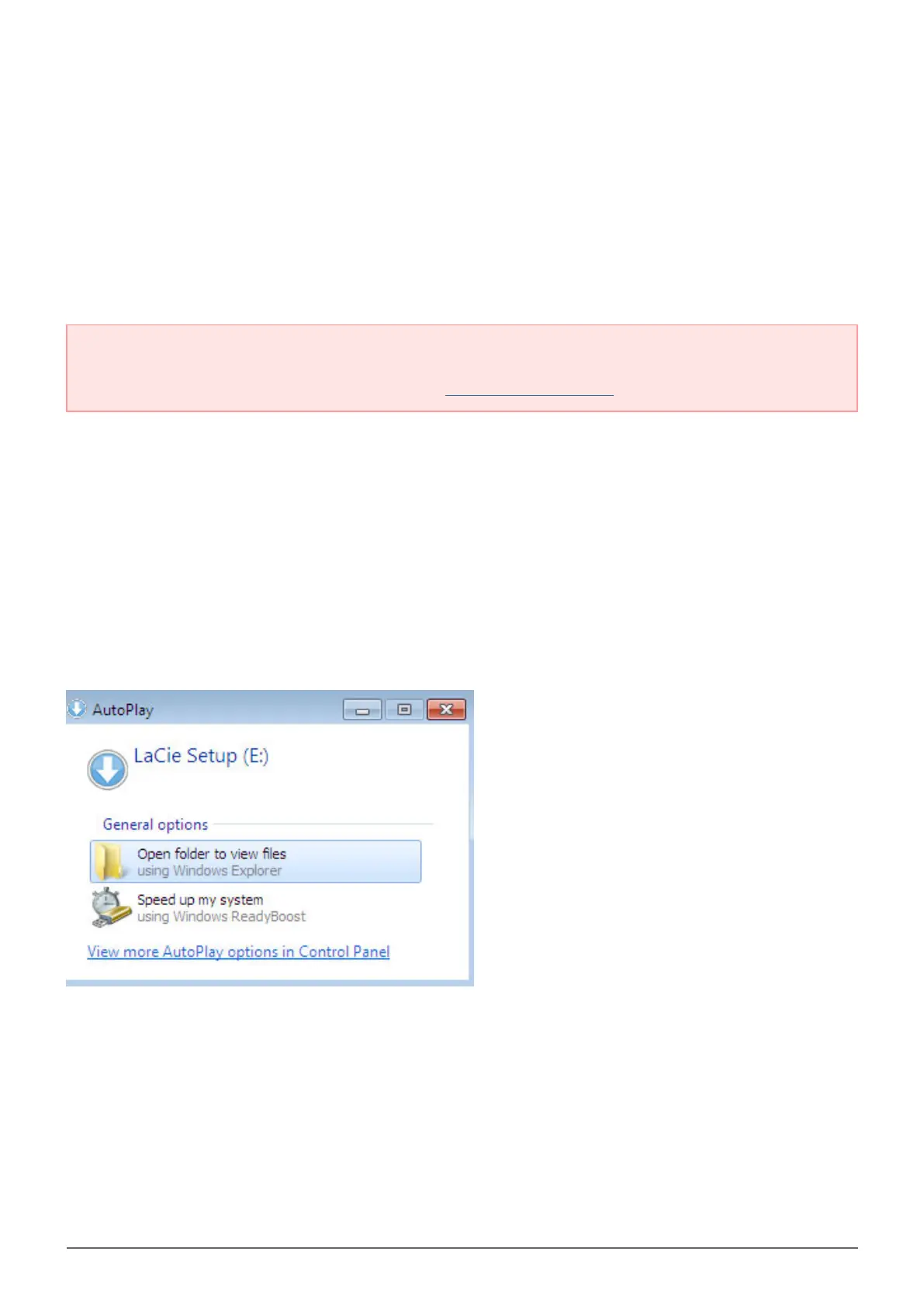
AutoPlay: Windows AutoPlay may detect your LaCie hard drive as soon as it is connected to your computer. If
the AutoPlay window appears, choose Open folder to view files using Windows Explorer and double-click
LaCie Setup.



 To Next Page