d2 USB 3.0 User Manual 17
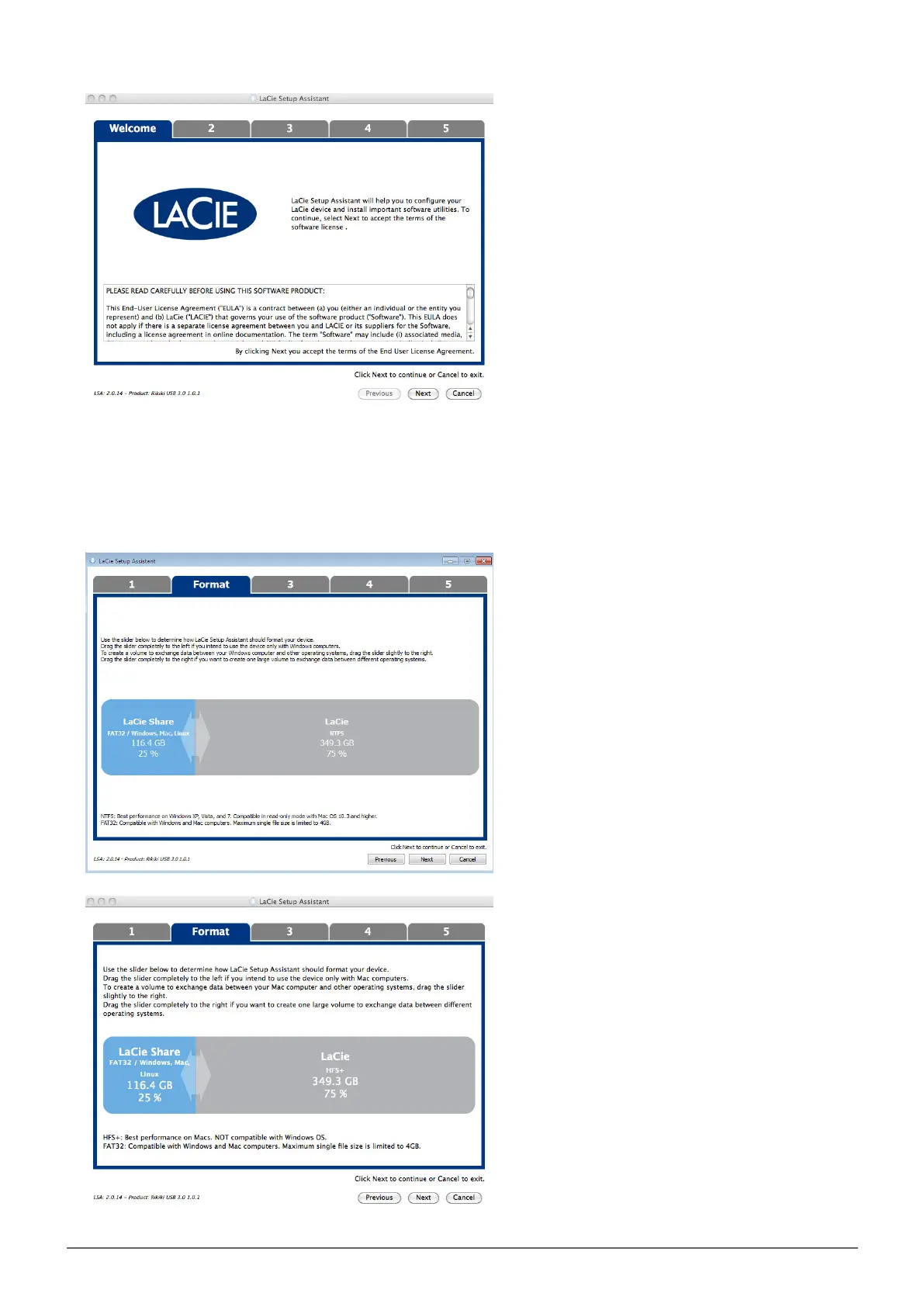
Use the slider to partition your LaCie hard drive. Moving the slider to the left will reduce the size of the3.
Compatible volume (called LaCie Share on some products) (for Windows and Mac). If you do not want the
Compatible / LaCie Share volume, move the slider all the way to the left. The LaCie volume will be
formatted for your operating system, NTFS for Windows and HFS+ for Mac. Once you have made your
selection, choose Next to begin the format.
Windows



 To Next Page