d2 USB 3.0 User Manual 19
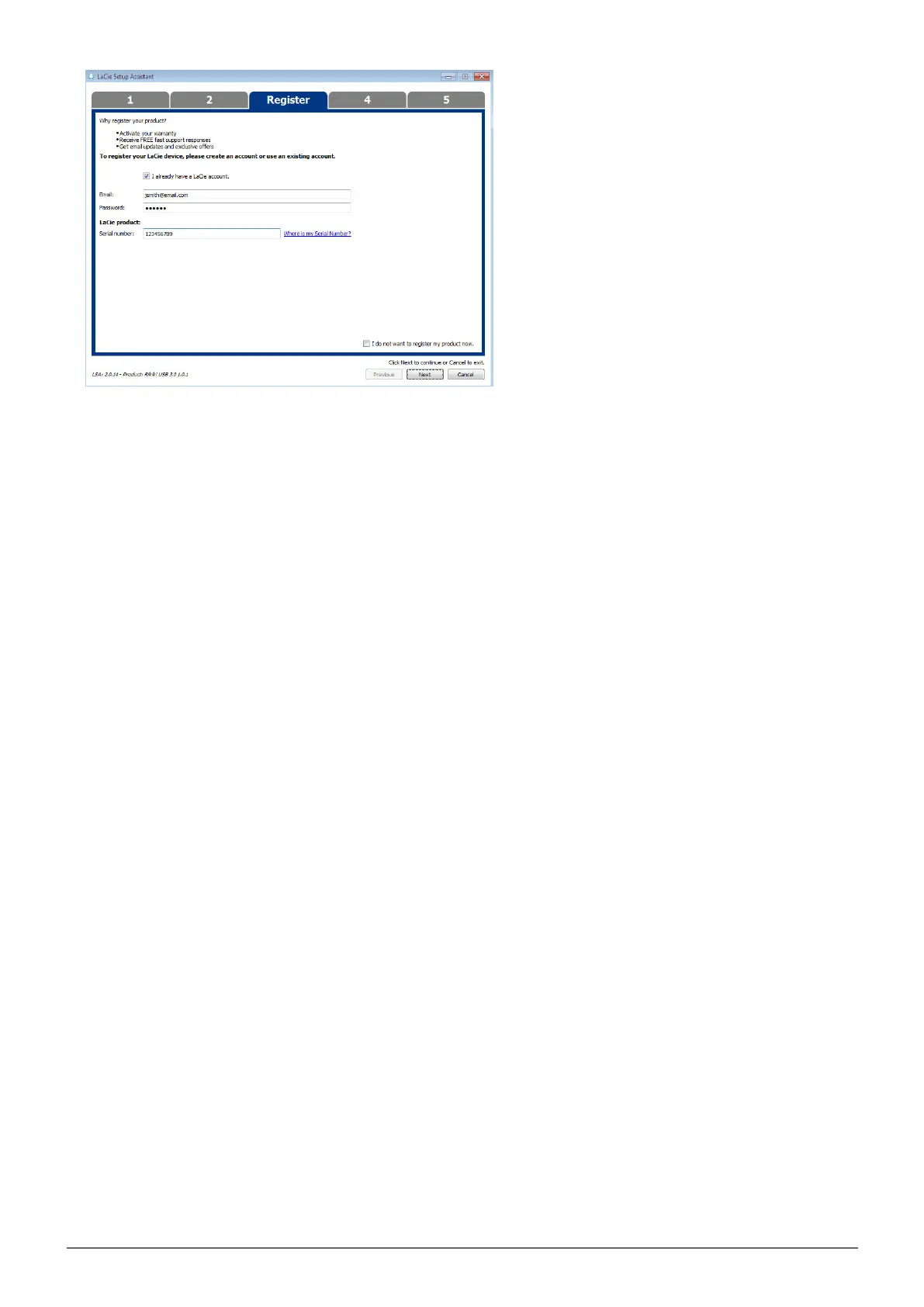
Existing Account
Choose the software utilities that you want to install. Certain software utilities may begin to install before7.
LaCie Setup Assistant has finished. Follow the software utility installer before completing LaCie Setup
Assistant.
Choose Next to continue.8.
LaCie Setup Assistant provides a summary of the installation. Choose Finish to close the program. Your9.
LaCie hard drive is now ready for use.
Software will be installed on the product's storage, not on your computer. It will be located on the volume
entitled “Compatible” or “LaCie Share” if it exists, otherwise on “LaCie”.
LaCie software utilities may be installed at any time. Once the format is complete, the LaCie Setup Assistant
application will be available on:
LaCie: if you created one partition
■
Compatible/LaCie Share: if you created two partitions
■
To install the software utilities, simply launch LaCie Setup Assistant and follow the steps listed above.



 To Next Page