21
13 • MY NABOO
SEARCH PROGRAMS
PROGRAMS ADDED TO HOME
Type
ALL ALL ALL
Country Category
Find
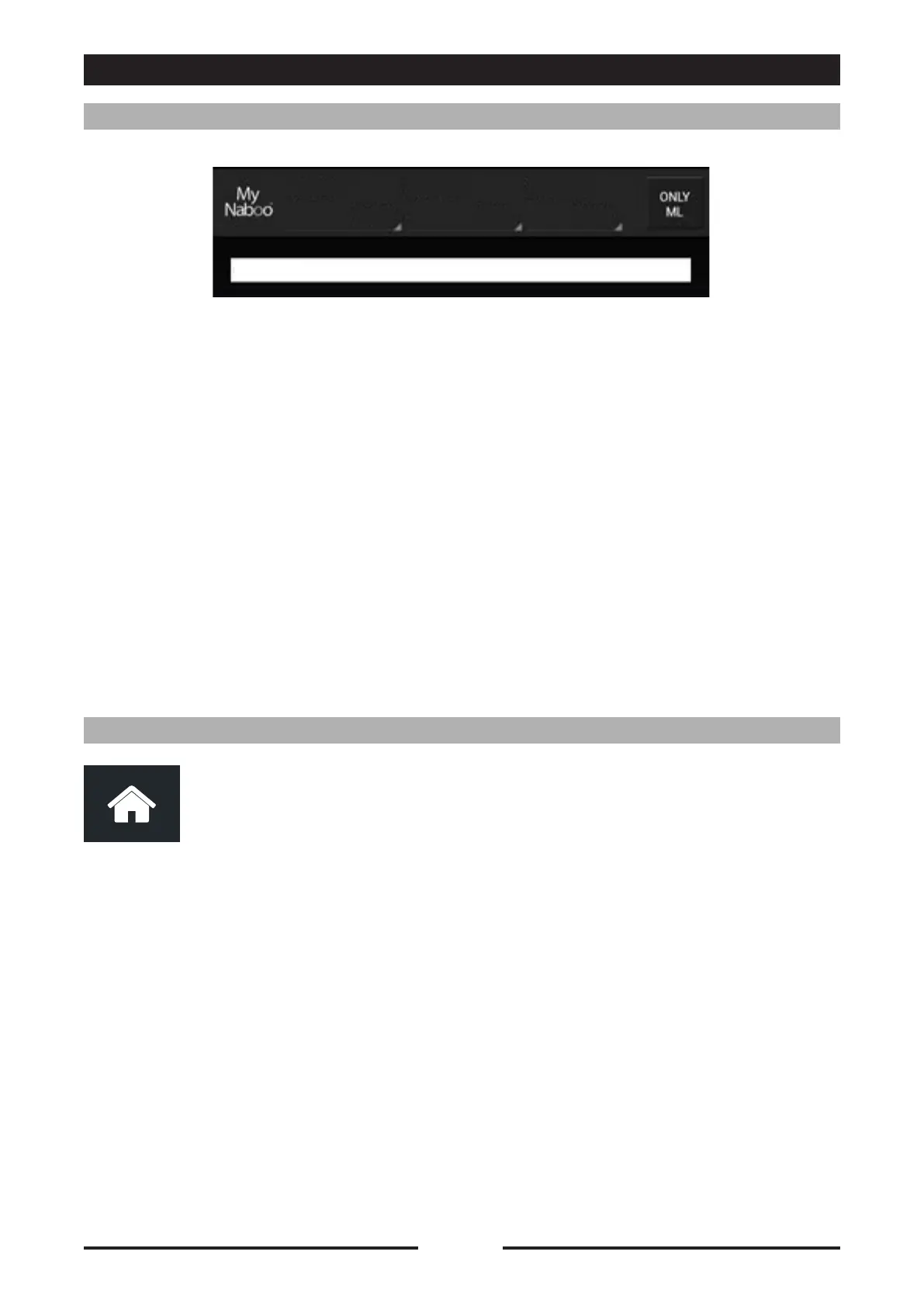
InMy NabooIcanlookupprogramsby:
•Name:bykeyingthetexttolookforintheappropriatefield.
•Type:bychoosingfromamongtheavailablevalues(forexample:Pasta,Meat,Vegetables,Fish,
Smokegrill,NightCooking,Pastries,etc.).
• Country: by choosing from among the available values (for example: International, Italy,
Germany,Austria,France,Russia,etc.).
• Category: by choosing from among the available values (for example: Quick cooking, Grill
cooking,FingerFood,FastFood,HappyHour,etc.).
•Multi-level:pressthe"ONLY ML"todisplayonlytheMulti-levelprograms.
To add a program to the Naboo home screen, drag the program to the "HOME"
icon.
TheprogramwillnowbeavailableintheNaboohomescreen.
NOTE:
DeletingaprogramfromtheNaboohomescreendoesnotremoveitfromMy Naboo.
AlloftheprogramsintheNaboohomescreenareLinkstoMy Naboo programs.
90028010rev00


 To Next Page
 Loading...

