- 19 -
5 • PROGRAM SETTINGS AND STORAGE
OPERATIONS
5.7 • SETTING THE FAN SPEED
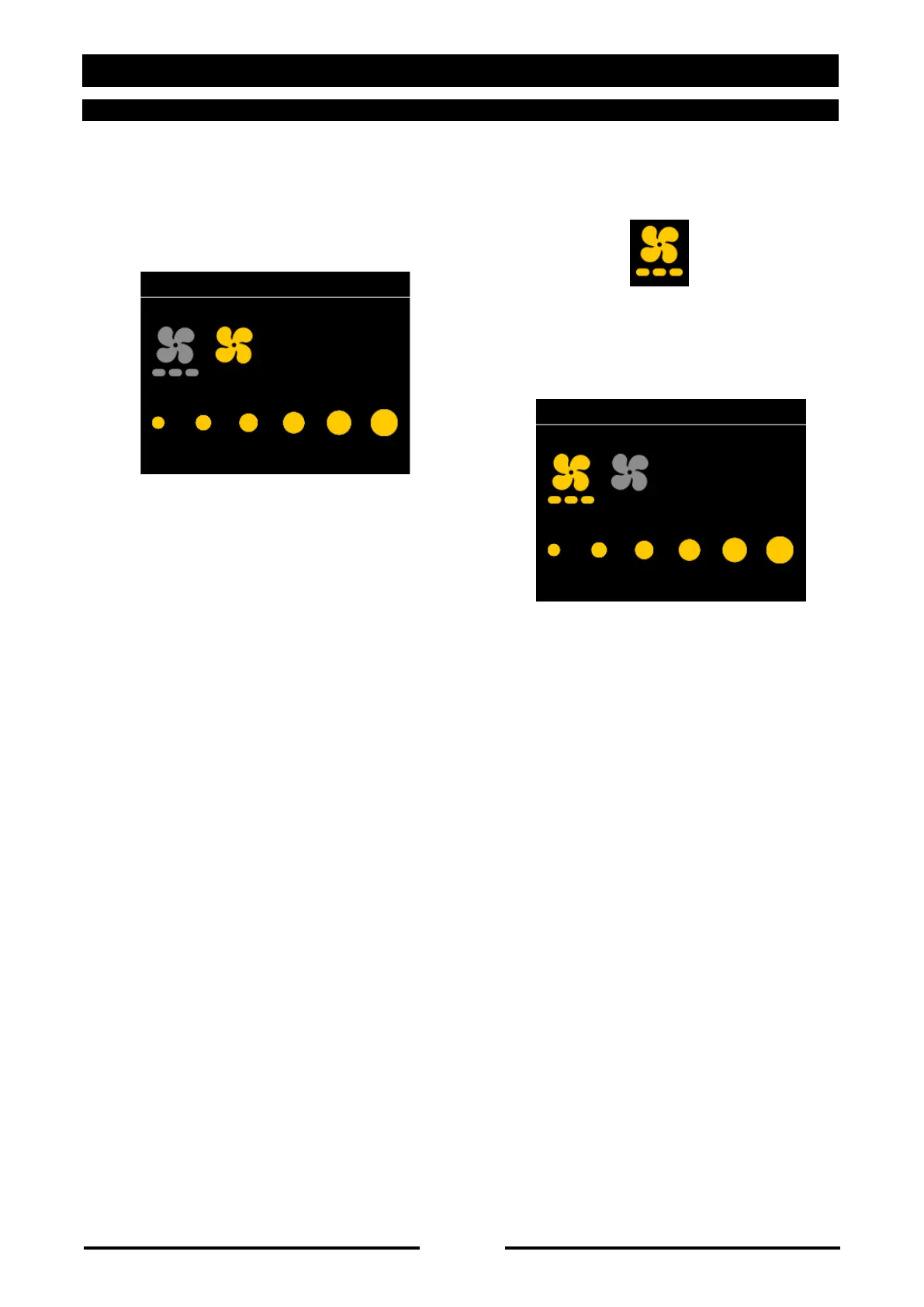
Press button 12. To set the fan speed, turn
knob 16 (right to increase, left to decrease),
which will be shown on display 15.
Confirm by pressing knob 16 or wait 10
seconds.
SET ALTERNATING FAN:
To set alternating fan, turn the knob further left
until the symbol below lights up.
To set the fan speed, turn knob 16 (right to
increase, left to decrease), which will be shown
on display 15.
Confirm by pressing knob 16 or wait 10
seconds.
90037450rev00



 To Next Page