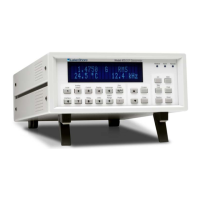
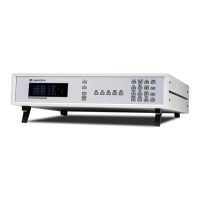
Lake Shore Model 421 Gaussmeter User’s Manual
4-16 Remote Operation
Device Specific Commands (Continued)
LOCK Front Panel Keypad Lock Command
Input: LOCK <state>[term]
Format: n
<state> 0 = Unlocked, 1 = Locked
Remarks: Locks out all front panel entries except pressing the Alarm key to silence alarms. Refer to
Paragraph 3.13.
LOCK? Front Panel Keypad Lock Query
Input: LOCK?[term]
Returned: <state>[term]
Format: n (Refer to command for description)
MAX Max Hold Command
Input: MAX <state>[term]
Format: n
<state> 0 = Off, 1 = On
Remarks: Works with the MAXR and MAXC commands. Refer to Paragraph 3.7.
MAX? Max Hold Query
Input: MAX?[term]
Returned: <state>[term]
Format: n (Refer to command for description)
MAXC Max Reset Command
Input: MAXC[term]
Remarks: This command initiates a Max Reset. Upon entry, the Max Hold function is zeroed out and a
new peak is captured. Refer to Paragraph 3.7.
MAXR? Max Reading Query
Input: MAXR?[term]
Returned: <field value>[term]
Format: +nnn.nn
<field value> Returns plus (+) sign, 4 or 5 digits, and places decimal point appropriate
to range.
Remarks: Use MAXRM? to determine units multiplier and UNITS? to determine gauss or tesla units.
MAXRM? Max Reading Multiplier Query
Input: MAXRM?[term]
Returned: <multiplier>[term]
Format: a
<multiplier> µ = micro = 10
-6
, m = milli = 10
-3
, (blank) = unity, k = kilo = 10
3
Remarks: Used with MAXR? query.


 To Next Page