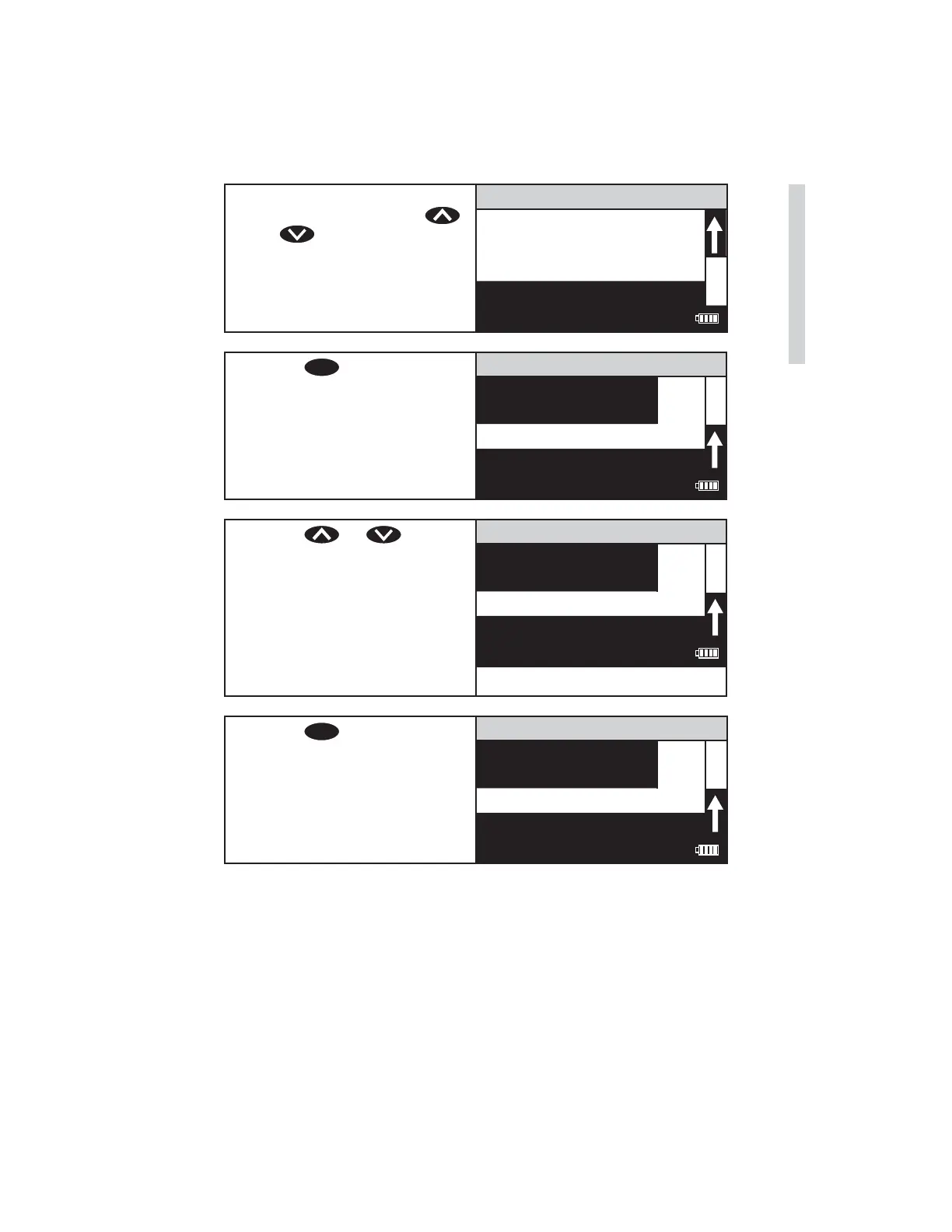
8. The displayed result can now
be standardized. Press
or to scroll to calibrate.
002 Aluminum
0.28 ppm
%T/Abs
Calibrate
12:00:00 001/500
9. Press
ENTER
to select
Calibrate. A reverse font
(dark background with light
characters) will appear to
indicate that the reading can
be adjusted.
002 Aluminum
0.28 ppm
%T/Abs
Calibrate
12:00:00 001/500
10. Press or to scroll
to the concentration of the
prepared standard, 0.30 in
this example.
NOTE: A maximum
adjustment of 10% is possible.
If an adjustment of over 10%
is attempted, Overrange will
be displayed.
002 Aluminum
0.30 ppm
%T/Abs
Calibrate
12:00:00 001/500
11. Press
ENTER
to select
Calibrate. Two menu choices
will be offered, set calibration
and factory setting.
002 Aluminum
0.30 ppm
Set Calibration
Factory Setting
12:00:00 001/500
SMART3 Colorimeter 11.10 31
Testing
www.GlobalTestSupply.com
Find Quality Products Online at: sales@GlobalTestSupply.com















 To Next Page