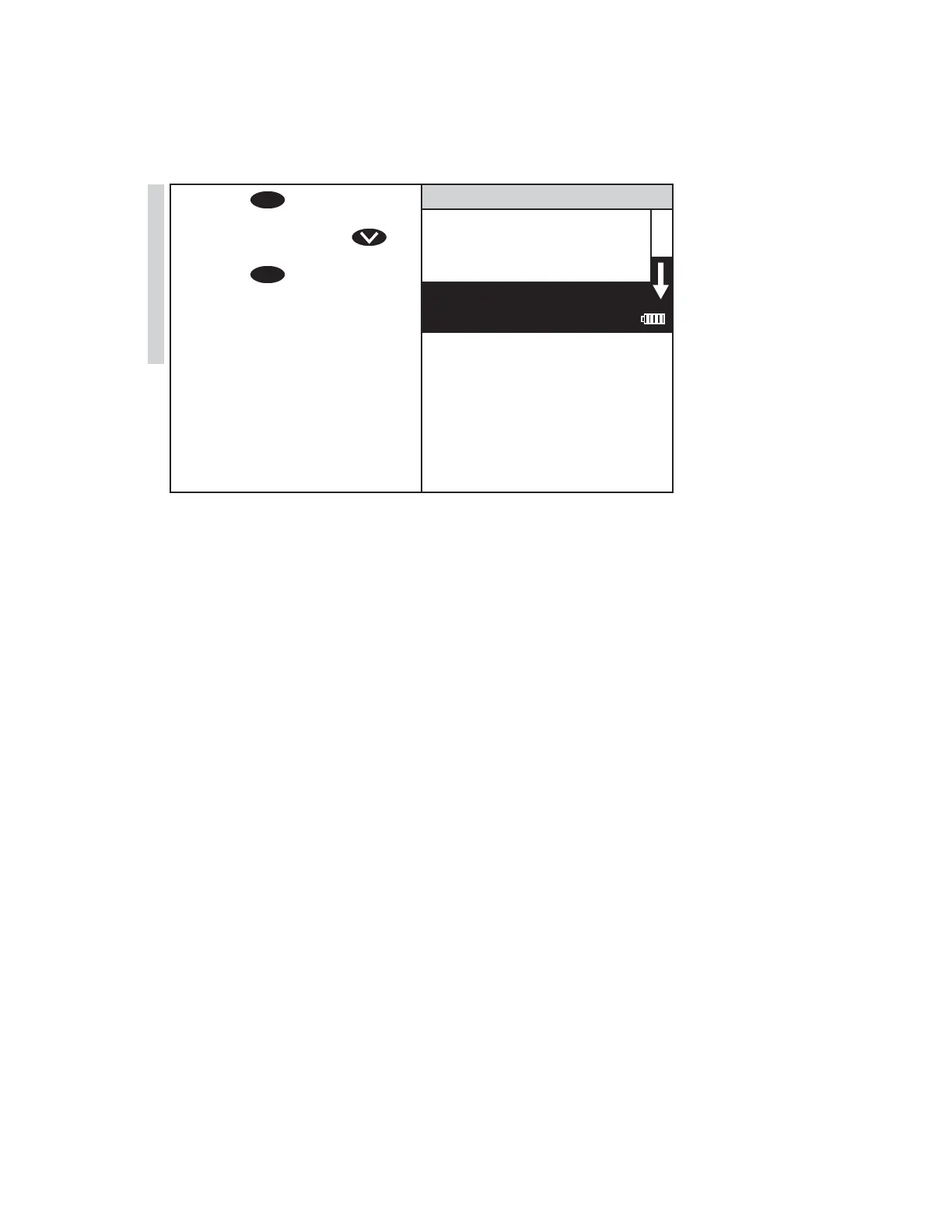
12. Press
ENTER
to select Set
Calibration and save the
calibration. Or press
to scroll to Factory Setting.
Press
ENTER
to select Factory
Setting to revert to the factory
calibration. The screen will
display Storing... for about
1 second and the test menu
will appear. The calibration
has now been standardized
and the meter can be used for
testing. The standardization
can be removed by repeating
the calibration and selecting
Factory Setting.
002 Aluminum
Scan Blank
Scan Sample
12:00:00 001/500
32 SMART3 Colorimeter 11.10
Testing
www.GlobalTestSupply.com
Find Quality Products Online at: sales@GlobalTestSupply.com















 To Next Page