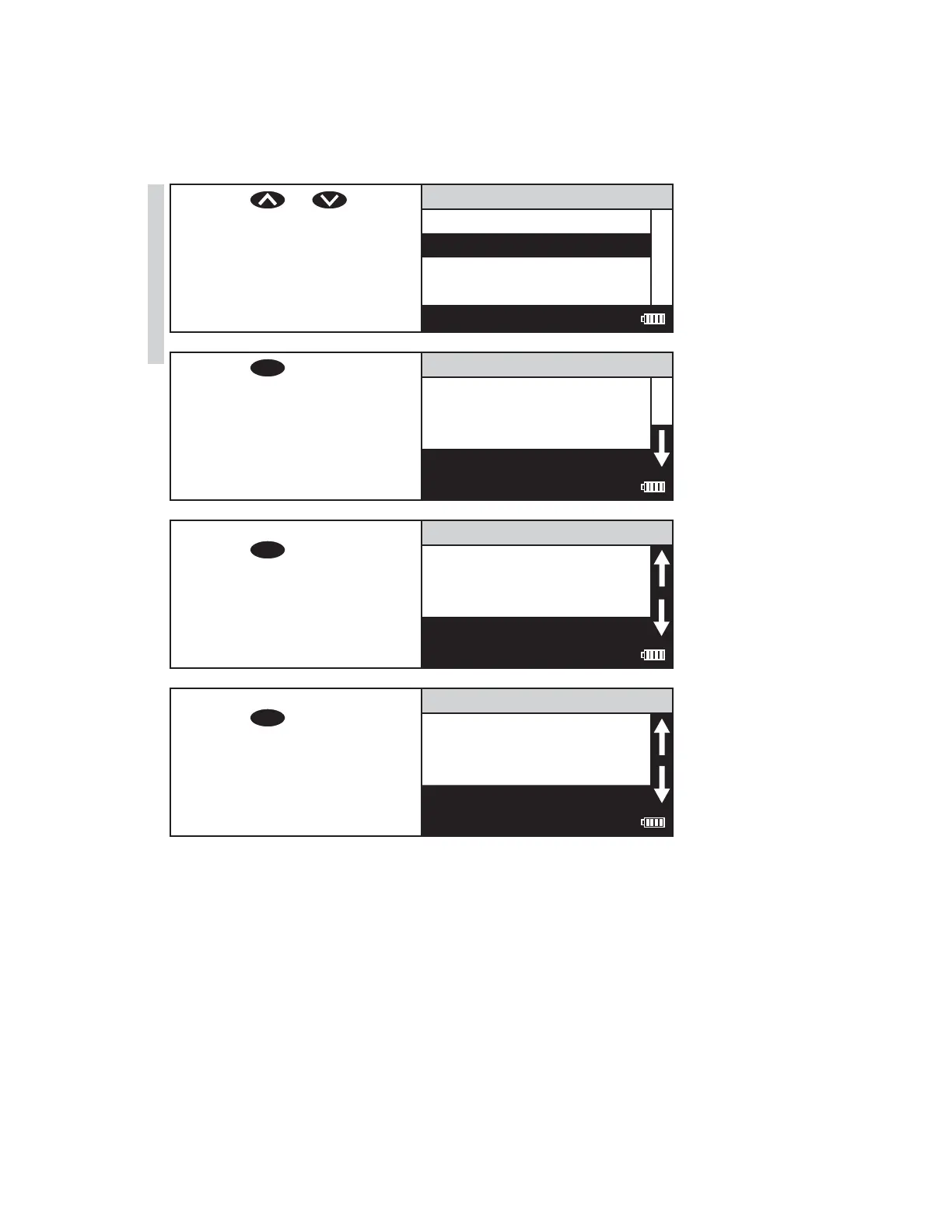
5. Press or to scroll
to desired wavelength.
Absorbance
101 Absorbance 428
102 Absorbance 525
103 Absorbance 568
104 Absorbance 635
12:00:00 001/500
6. Press
ENTER
to select the
wavelength.
102 Absorbance 525
Scan Blank
Scan Sample
12:00:00 001/500
7. Insert the blank. Close the lid.
Press
ENTER
to scan the blank.
The screen wil display Blank
Done for about 1 second
and return to the Absorbance
menu.
102 Absorbance 525
Scan Blank
Scan Sample
12:00:00 001/500
8. Insert the reacted sample.
Press
ENTER
to scan the
sample. The screen will
display Reading for about 1
second. The result will appear
on the screen.
102 Absorbance 525
0.425
Scan Blank
Scan Sample
12:00:00 001/500
34 SMART3 Colorimeter 11.10
Testing
www.GlobalTestSupply.com
Find Quality Products Online at: sales@GlobalTestSupply.com















 To Next Page