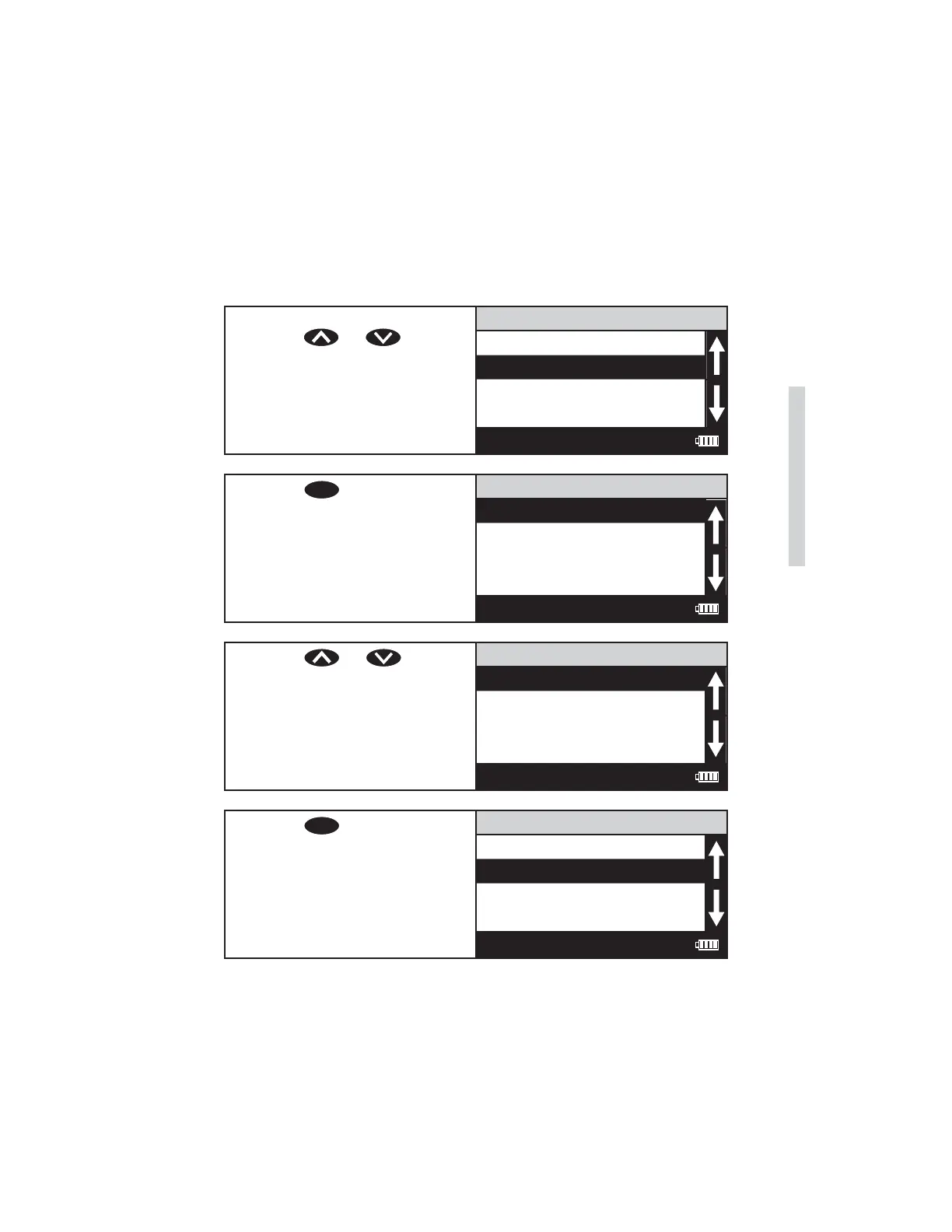
SELECTING THE VIAL AND WAVELENGTH
The SMART3 Colorimeter accepts three different vials (the 25 mm 0290 tube,
UDVs and COD tubes) at 4 different wavelengths (428, 525, 560, and 635 nm).
The colorimeter uses different settings for each of the twelve combinations of
vial and wavelength. These twelve settings are called channels. Choose the
channel with the correct wavelength and vial for the test.
1. From the User Test menu,
press or to scroll
to Select Vial/WL.
111 H2O
Name the Test
Select Vial/WL
STD Calibration
Enter Constants
12:00:00 001/500
2. Press
ENTER
to select Select
Vial/WL.
Select Channel
Ch1 428nm 25mm
Ch2 525nm 25mm
Ch3 635nm 25mm
Ch4 568nm 25mm
12:00:00 001/500
3. Press or to select
the channel with the desired
wavelingth and vial size
combination.
Select Channel
Ch1 428nm 25mm
Ch2 525nm 25mm
Ch3 635nm 25mm
Ch4 568nm 25mm
12:00:00 001/500
4. Press
ENTER
to select the
channel. The screen will
display Storing... for about
1 second and the meter will
return to the Edit Test menu.
111 H2O
Name the Test
Select Vial/WL
STD Calibration
Enter Constants
12:00:00 001/500
SMART3 Colorimeter 11.10 47
Editing/Set Up
www.GlobalTestSupply.com
Find Quality Products Online at: sales@GlobalTestSupply.com















 To Next Page