ENTERING A TWO POINT CALIBRATION
The SMART3 Colorimeter can scan two reacted standards and create a
calibration curve. To prepare a calibration curve with multiple data points see
Entering a Multiple Calibration Curve (pg. 51).
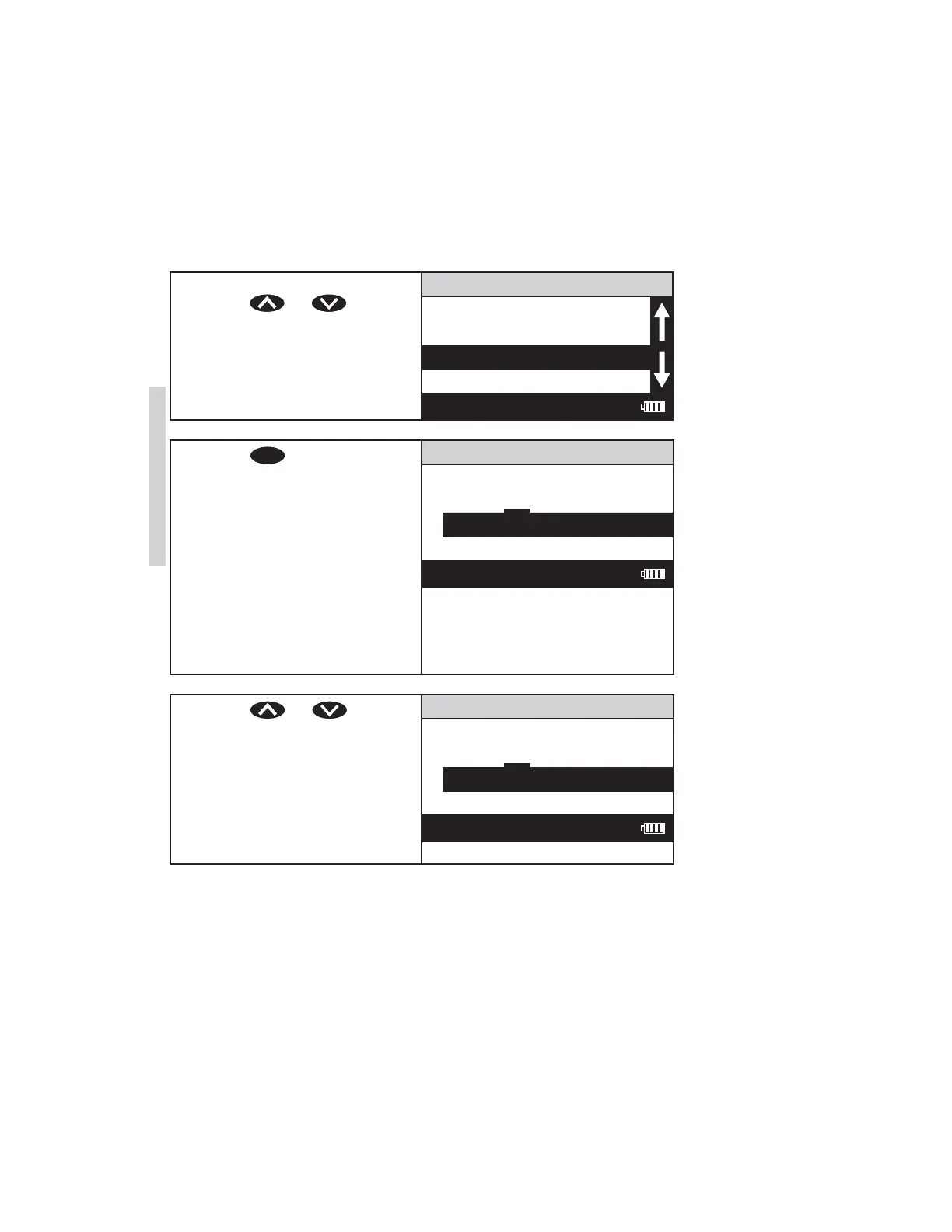
1. From the User Test menu,
press or to
scroll to STD (Standard)
Calibration.
111 H2O
Name the Test
Select Vial/WL
STD Calibration
Enter Constants
12:00:00 001/500
2. Press
ENTER
to select STD
Calibration. The screen will
display Low Standard for
about 1 second and then
display the Low Standard
screen. A reverse font (dark
background with a light
character) will appear to
indicate the character that
will be adjusted. The same
character will also appear in
the center of the display.
Low Standard
9 . – 0 1 2 3
0 0.000000
12:00:00 001/500
3. Press or to scroll
to the fi rst character of the
low concentration. In this
example, 1.00 ppm.
Low Standard
. – 0 1 1 2 3
0 .000000
12:00:00 001/500
48 SMART3 Colorimeter 11.10
Editing/Set Up
www.GlobalTestSupply.com
Find Quality Products Online at: sales@GlobalTestSupply.com















 To Next Page