1
CONTINUED ON NEXT PAGELancer PN: 28-3015
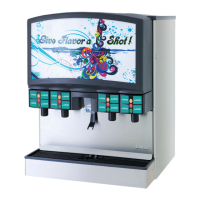
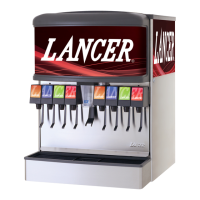
FS30, Mariani Video Merchandiser
Installation Kit
Instruction Sheet
The following illustrates how to remove the existing unit merchandiser and replace it with the
new Mariani Video Merchandiser for a FS30 unit.
Installation - New Merchandiser Assembly
Disconnect power from unit prior to servicing or
cleaning.
F WARNING
Steps5-6highlighthowtoremovetheuorescent
lighting components and Steps 7 - 8 highlight how to
remove the LED lighting components.
NOTE
1. Unplug unit power cord from wall outlet to power down
unit.
2. Remove the existing merchandiser by lifting straight up
and pulling away from the unit.
3. Using the pins towards the top of the reector
assembly, ip up the reector and lock in place.
4. Remove the cover panel from the unit control board.
5. Disconnect the uorescent reector harness from the
unit control board.
6. Unscrew the reector and remove from unit.
7. Disconnect the brown and blue wires of the LED driver
harness from the “Ballast” connection on the control
board.
8. Unscrew the reector and LED Driver Assembly and
remove from the unit
9. Remove the screw from the left and right side edge of
the unit.

 Need help?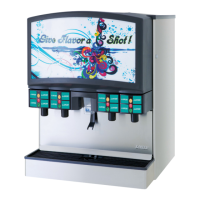


 To Next Page
 General