EasyManua.ls Logo

lancer 2308 Series - User Manual

lancer 2308 Series
36 pages
Print Icon
To Next Page IconTo Next Page
Loading...
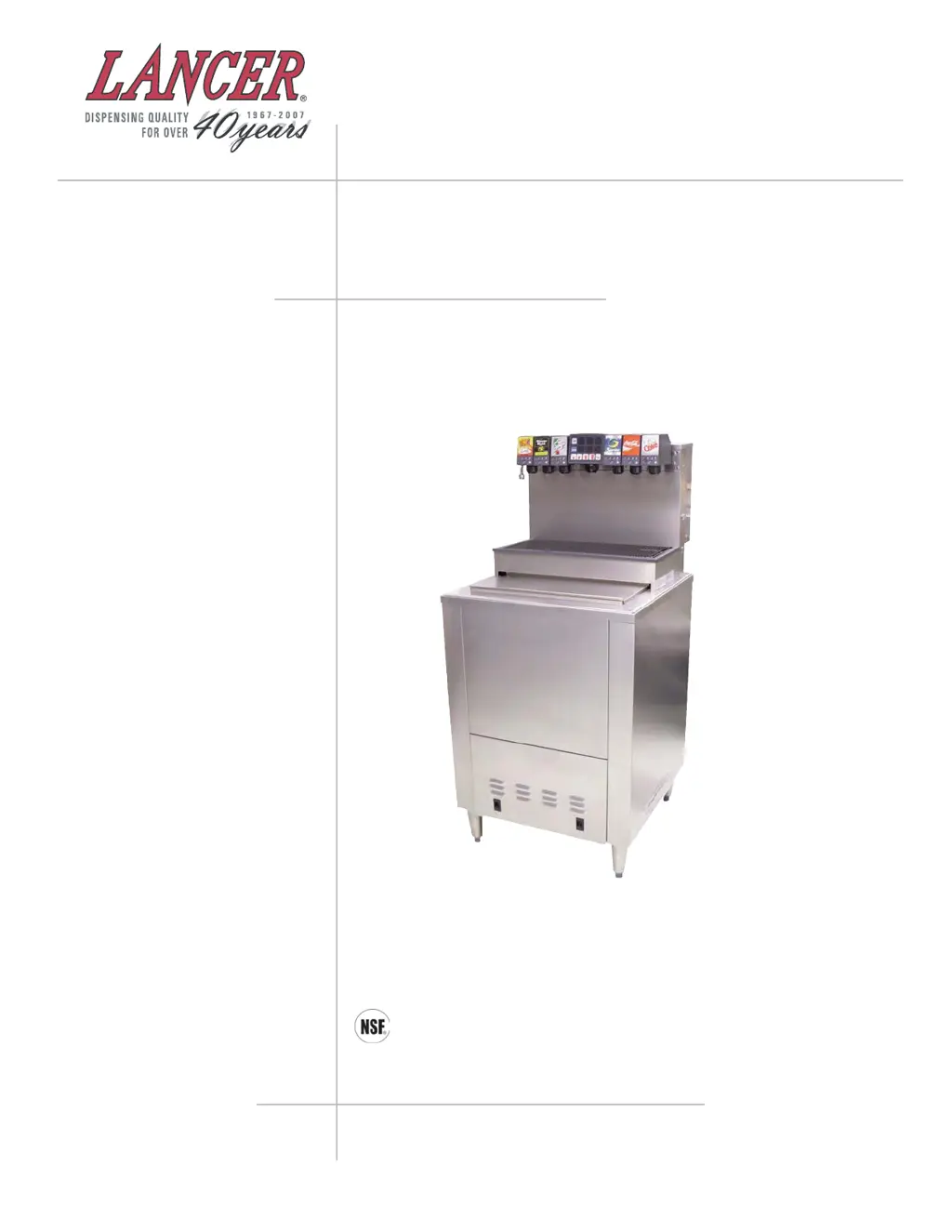
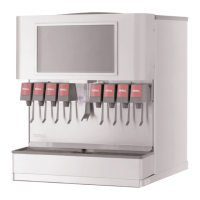
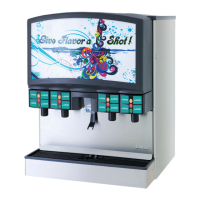
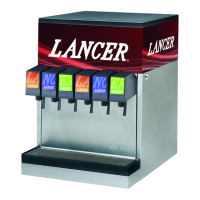
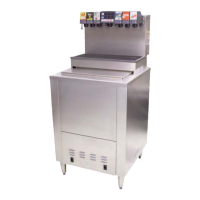
COLD CARB ICE COOLED DISPENSER
SERIES 2308 - DROP IN
“Lancer” is the registered trademark of Lancer © 2009 by Lancer, all rights reserved.
LANCER
6655 Lancer Blvd.
San Antonio, Texas 78219
To order parts, call
Customer Service: 800-729-1500
Warranty/Technical Support: 800-729-1550
Email: custserv@lancercorp.com
www.lancercorp.com
Installation and Service Manual
PN 28-0720/05
11/10/09
ISO 9001:2000 Quality System Certified

Other manuals for lancer 2308 Series

Questions and Answers

  • C
    Crystal ReeseAug 4, 2025
    Why is there no carbonation in my lancer 2308 Dispenser?
    • R
      Robin Ross MDAug 4, 2025
      There are several potential reasons for a lack of carbonation. It could be due to the carbonator motor not running—check the power supply and reset it if the LED light is blinking. Another cause might be an absence of CO2 gas, requiring a replacement with a full tank. Other possible causes include gas only coming from the valves (check for power failure, fuses, and a clean pump strainer), the carbonator tank being air bound (relieve gas pressure), CO2 gas pressure being below 75 PSI (reset the regulator), the carbonator motor running continuously (inspect the check valve), the water pump not moving water (replace if necessary), or ice on the cold plate (fill the bin with ice).
  • S
    Shari CameronAug 10, 2025
    What to do if the valves are inoperable on my Lancer Dispenser?
    • B
      Bobby HendersonAug 10, 2025
      If the valves on your Lancer Dispenser are inoperable, the issue might stem from a loss of power. Check the power supply to ensure it's plugged in, inspect the transformer circuit breaker and the main power circuit breaker (110V). Also, verify that the keylock switch on the side of the tower is in the “ON” position. Another potential cause is a faulty bin switch; ensure it has a proper connection.
  • D
    daviscynthiaAug 15, 2025
    How to fix a noisy carbonator pump in my lancer 2308 Dispenser?
    • T
      Tracy TaylorAug 15, 2025
      A noisy carbonator pump in your Lancer Dispenser can be due to an insufficient water supply or a water leak that allows air to be pulled into the pump. Make sure there's an adequate water supply and that the strainer is clean. Another possible cause is a loose pump coupling; try tightening the set screw on the pump coupling.
  • L
    Laura HaydenAug 21, 2025
    What does it mean if the LED is blinking 4 blinks per second on my Lancer Dispenser?
    • D
      davidlaneAug 21, 2025
      If the LED on your Lancer Dispenser is blinking 4 times per second, it indicates there's no water reaching the pump. Ensure the water supply is on, the carbonator pump motor is connected, and the probe isn't damaged. You can also try resetting it by unplugging and then re-plugging the power supply.
  • J
    Jose AndersonAug 27, 2025
    What does it mean if the LED is blinking 1 blink per second on my Lancer Dispenser?
    • A
      Alyssa WebbAug 27, 2025
      If the LED on your Lancer Dispenser is blinking once per second, it could indicate a short in the probe, requiring you to replace it. Alternatively, there might be a short in the harness, which would also necessitate replacement. Another possibility is crossed wires in the harness or probe plug; correct the wiring.

Summary

Installation of Lancera Ice Cooled Dispenser

Electrical Supply Guidelines

Electrical safety, grounding, and circuit requirements for the dispenser.

Equipment Connection Procedures

Detailed steps for connecting CO2, syrup lines, water lines, and drain systems.

Initial System Start Up

Procedures for initial system startup, leak checks, and priming.

Adjusting Water Flow

Instructions for calibrating water flow rates for dispensing valves.

Adjusting Water to Syrup Ratio (Brix)

Steps to measure and adjust the syrup-to-water ratio for optimal beverage taste.

MVU Operation and Programming

Program Multi Valve Unit (MVU)

Guide to programming MVU buttons for carbonated, non-carbonated, or flavor shot.

Set MVU for Flavor Shots

Instructions on how to enable or disable flavor shot mode for specific brands on the MVU.

Flow Rate Check and Calibration

Procedure to check and calibrate the dispenser's water flow rate using the onboard computer.

Ratio Process Adjustment

Steps to prime the separator and check/adjust syrup ratio using flow controls.

Portion Control Programming (No Top-Off)

Programming portion sizes for drinks without a top-off feature.

Portion Control Programming With Top-Off

Programming portion sizes for drinks with a top-off feature.

Shot Size Programming

Adjusting flavor shot quantities using a graduated cylinder and touchpad.

Recommended Service and Maintenance

Troubleshooting Dispenser Issues

No Carbonation Issues

Identifies causes and remedies for lack of carbonation.

lancer 2308 Series Specifications

General IconGeneral
Brandlancer
Model2308 Series
CategoryDispenser
LanguageEnglish

Related product manuals