LANCOM 821+ – LANCOM 1711+ VPN – LANCOM 1721 VPN
Chapter 2: Installation
24
EN
2.5.1 Starting the software setup
Place the product CD into your drive. The setup program will start automati-
cally.
If the setup does not start automatically, run AUTORUN.EXE in the
root directory of the LANCOM CD.
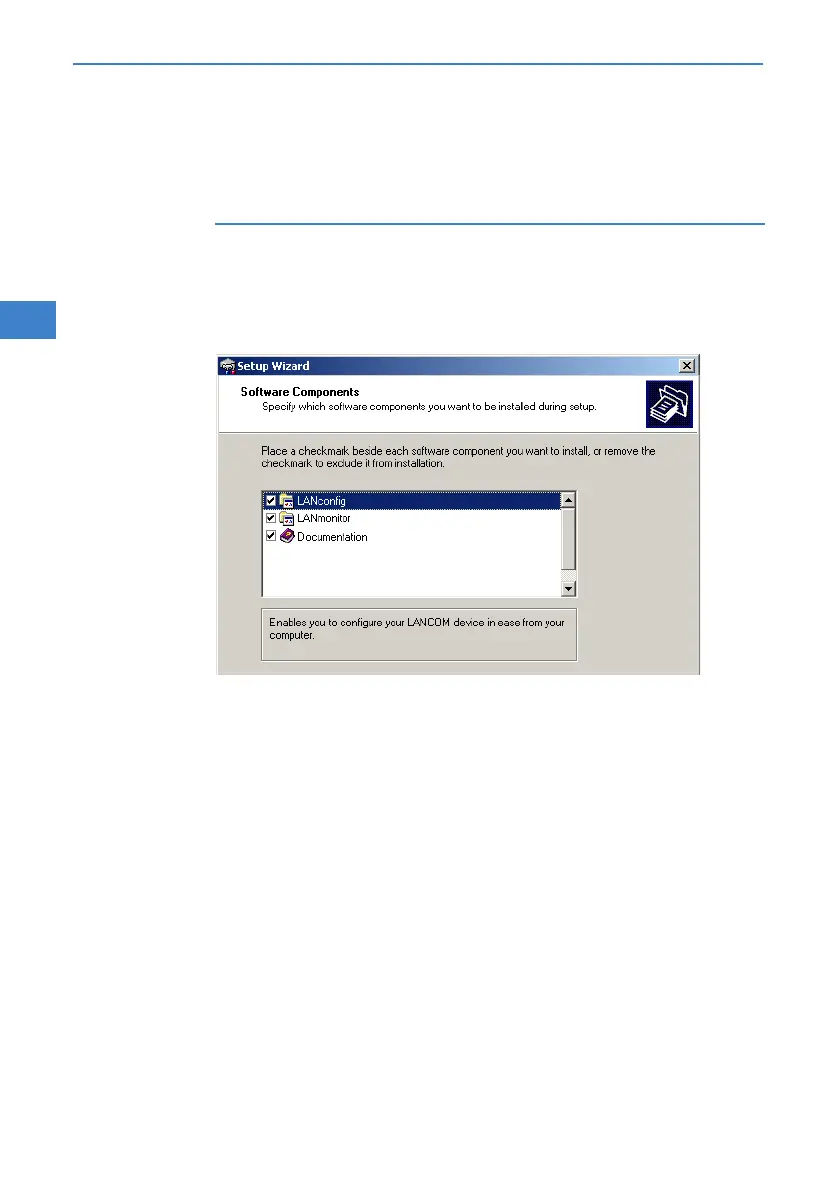
In Setup, select Install software. The following selection menus will appear
on screen:
2.5.2 Which software should I install?
LANconfig is the Windows configuration program for all LANCOM
routers and LANCOM access points. WEBconfig can be used alterna-
tively or in addition via a web browser.
With LANmonitor you can use a Windows computer to monitor all of
your LANCOM routers and LANCOM access points.
With Documentation you copy the documentation files onto your PC.
Select the appropriate software options and confirm your choice with Next.
The software is installed automatically.



 To Next Page