LANCOM 821+ – LANCOM 1711+ VPN – LANCOM 1721 VPN
Chapter 7: Sending faxes with LANCAPI
58
EN
7.2 Installation of the MS Windows fax service
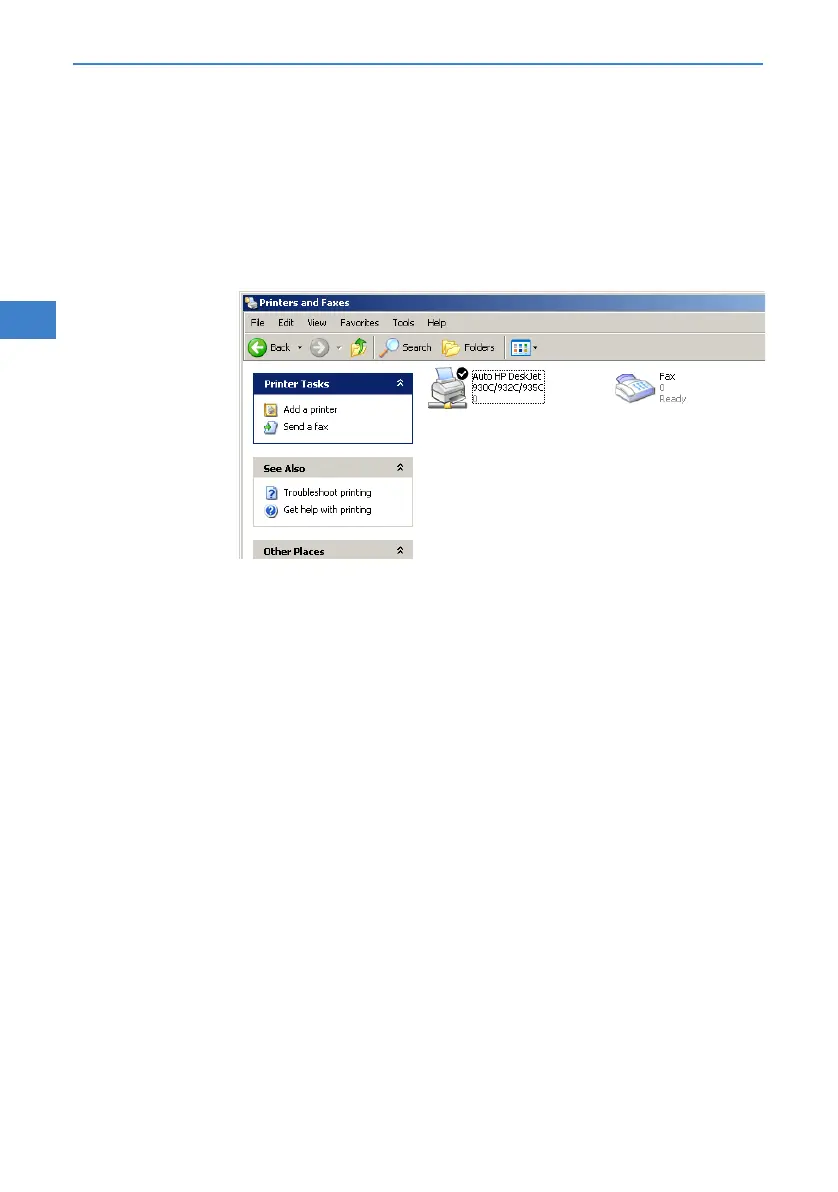
Select the option Printers and Faxes from the control panel.
Select the option Set up faxing from the window ’Printers and Fax’. Fol-
low, if necessary, the instructions of the installation tool. Into the recent
window, an icon will appear for the newly installed fax printer.
For checking the installation, click with the right mouse button on the fax-icon
and select Properties. The LANCOM CAPI Faxmodem should now be entered
into register 'devices'.
7.3 Sending a fax
After installing all required components, you have several possibilities to send
a fax from your workstation PC. If you have already an existing data file, you
can send it directly from your respective application. If you only want to send
a short message, select the MS Windows fax service. You can use of course
any other fax software alternatively.
7.3.1 Send a fax with any given office application
Open as usual a document in your office application and select the menu
item File/Print.



 To Next Page