LANCOM 821+ – LANCOM 1711+ VPN – LANCOM 1721 VPN
Chapter 4: Setting up Internet access
39
EN
4.2.1 LANconfig Wizard
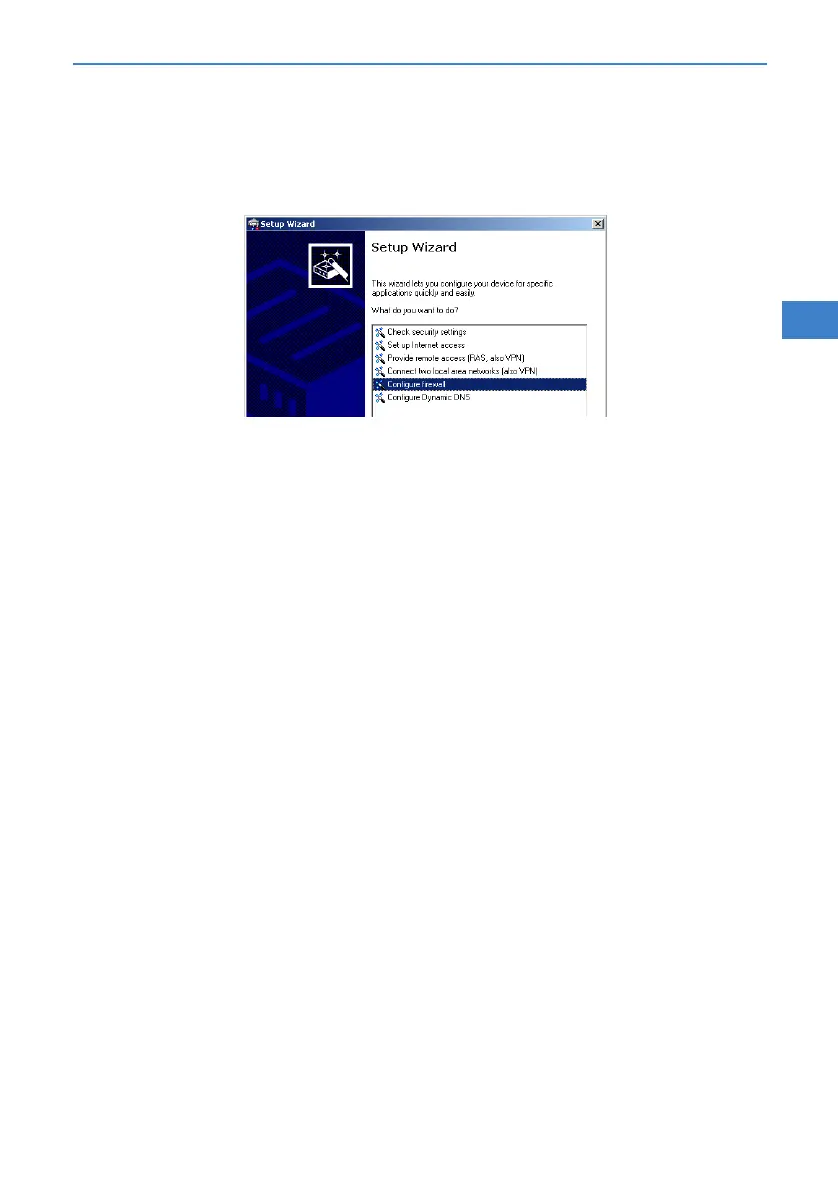
Mark your LANCOM in the selection window. From the command line,
select Extras Setup Wizard.
In the selection menu, select the Setup Wizard, Configure firewall and
confirm the selection with Continue.
In the windows that follow you select the services/protocols that the rule
is to relate to. In the next step you define the source and destination sta-
tions that the rule applies to, and the actions that are to be carried out by
the rule on a data packet.
Finally the new rule is given a name, it is activated, and you define
whether further rules are to be considered when the rule acts on a data
packet.
The wizard will inform you as soon as the entries are complete. Close the
configuration with Finish.
4.2.2 Configuration under WEBconfig
WEBconfig provides the option of checking and altering the parameters for
Internet access under Configuration Firewall / QoS Rules Rule
table.



 To Next Page