LANCOM 821+ – LANCOM 1711+ VPN – LANCOM 1721 VPN
Chapter 3: Basic configuration
32
EN
The MAC address on a sticker on the base of the device.
If there is no DNS server in the LAN, or if it is not coupled to the DHCP
server, the device cannot be reached via the name. In this case the follow-
ing options remain:
Use LANconfig's “Find Device” function, or perform WEBconfig's
“Device Search” from another yet accessible LANCOM.
Use suitable tools to find out the IP address assigned to the LANCOM
by DHCP and access the device directly using this IP address.
Use the serial configuration interface to connect a computer running
a terminal program to the device.
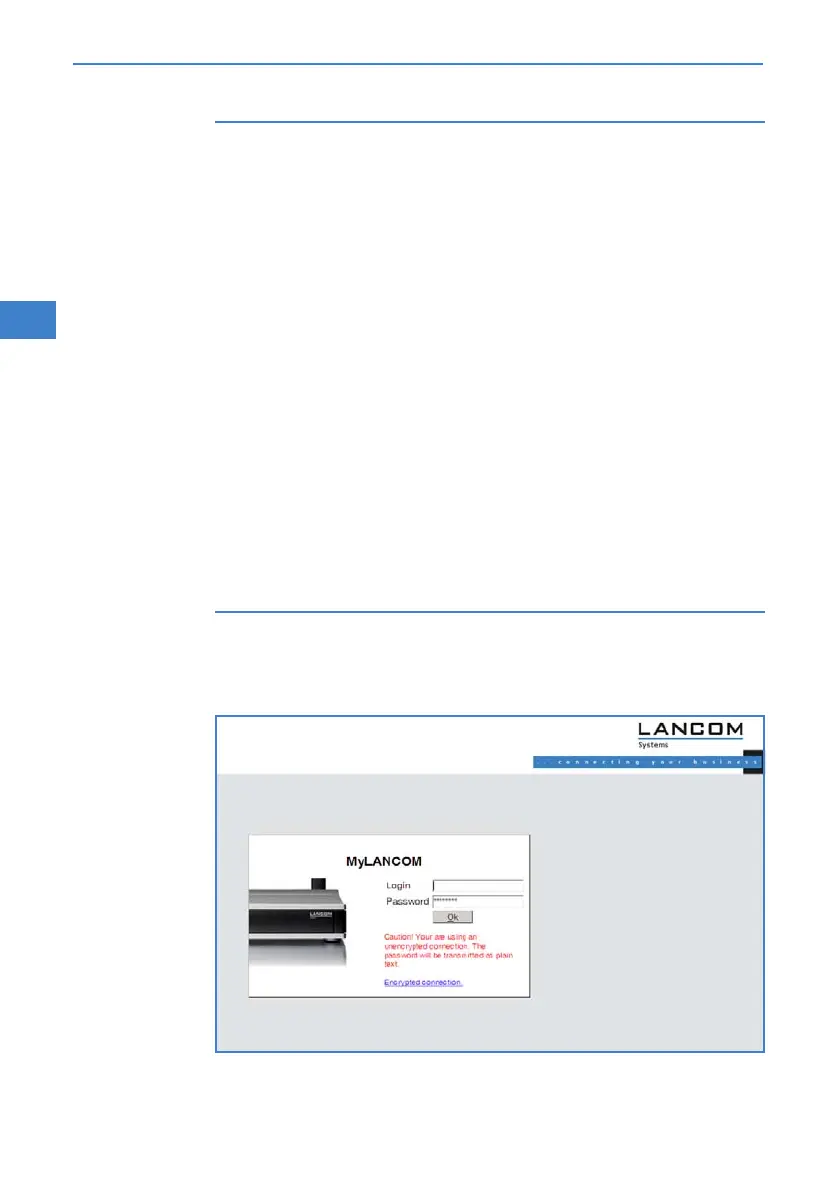
Login
When prompted for user name and password when accessing the device,
enter your personal data in the appropriate fields. Observe the use of upper
and lower case.
If you used the general configuration access, only enter the corresponding
password. The user name field remains blank in this case.
As an alternative, the login dialog provides a link for an encrypted
connection over HTTPS. Always use the HTTPS connection for
increased security whenever possible.



 To Next Page