ThisdocumentisthepropertyofLANDI.
Itscontentcannotbereproducedordivulgedwithout
the company’swrittenapproval.
9/18
2.2 Product Function and Configuration
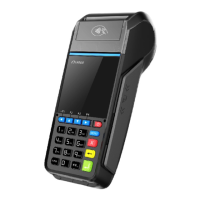
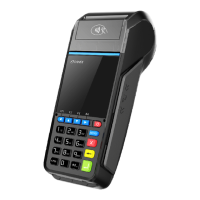
E830 is a Point of Sales (POS) product developed based on the 3rd Gen, payment kernel of LANDI. It is configured with
ARM Cortex-A9 Core Security Processor to provide powerful processing capabilities and security features; and its 2.8”LCD
delivers excellent customer experience. It supports SAM/SIM card, contactless card and MSR card read/write, wired
communication of Modem, TCP/IP, as well as various wireless communication modules including 3G. E830 has a built-in high-
speed thermal printer, support 50mm diameter paper roll.
Configuration Optional Configuration Function Description
Cards RF Card Contactless card reader
Communication Ethernet Communication wired communication
3G WCDMA wireless
Communication
Remote wireless communication
******************************************************************************************
NOTE
Different products configurations may differ, please contact our marketing department to obtain latest
product configuration information.
******************************************************************************************
2.3 External Port
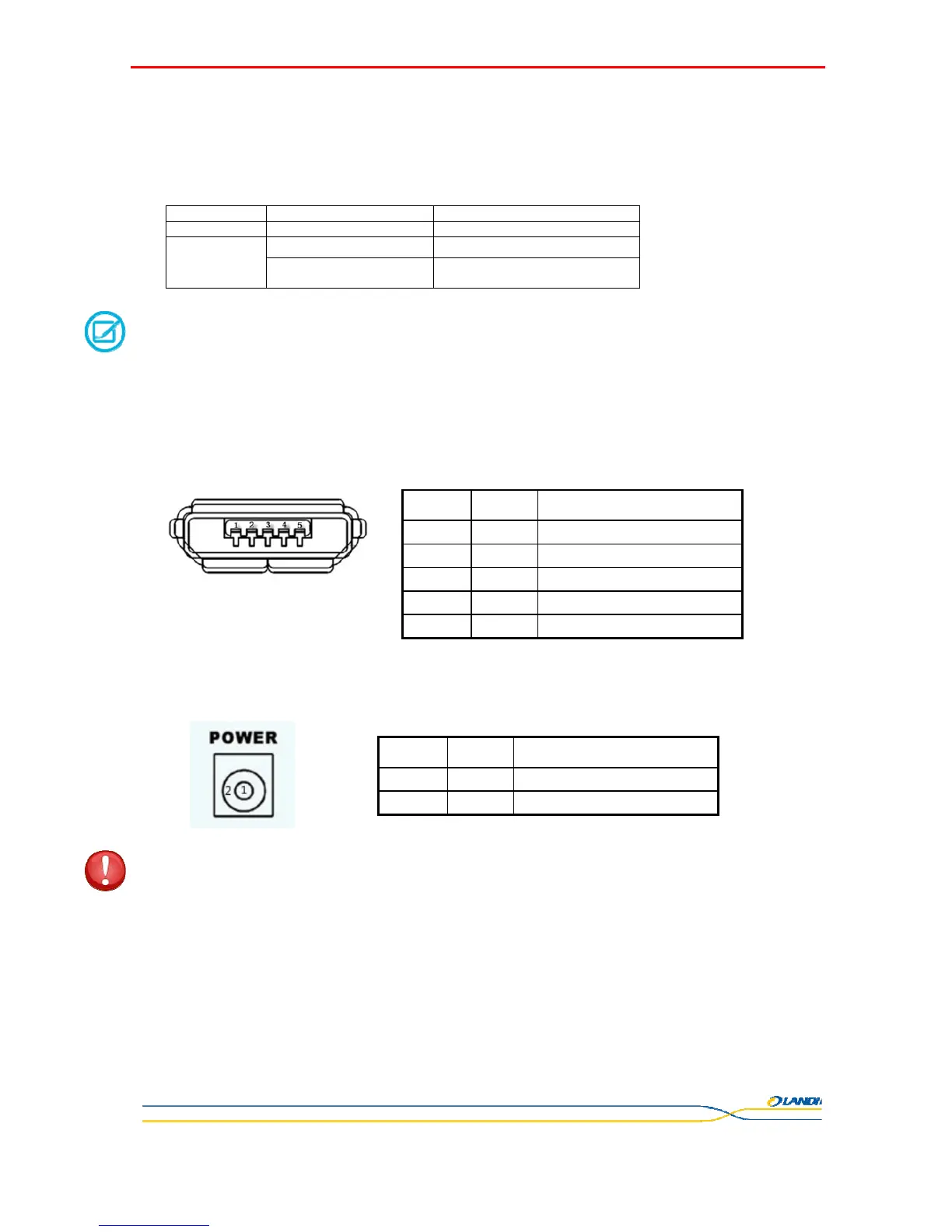
2.3.1 Micro USB port
Micro USB port supports master and slave mode.
*ID Signal : If the external cable connector pin corresponding to this signal is
grounded, the interface works under Host mode; if the pin is floating, the
interface works under Device mode.
2.3.2 Power port
Terminal power port, plug in the collocated DC adapter to an outlet to supply power for terminal.
*****************************************************************************************
WARNING
Please use only the dedicated power adapter for the terminal;
*****************************************************************************************
2.3.3 RJ45 port
When your terminal contains Ethernet communication function, this port should be connected to the Ethernet line RJ45 cord.
SN SIGNAL Function description
1 VBUS
USB Power port5.0V
2 D- Data line, differential signal-
3 D+ Data line, differential signal+
4 ID ID signal *
5 GND GND
SN SIGNAL Function description
1 VDD
Power port9.0V
5 GND GND


 To Next Page