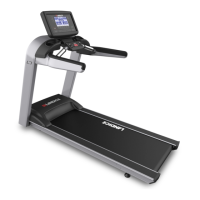
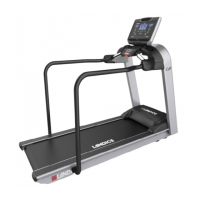
Features
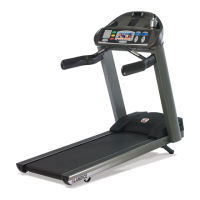
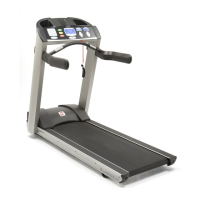
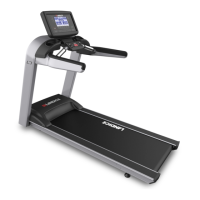
The Pro Trainer Treadmill combines a versatile display with a variety of program options. These feaures and options
combined offer an exciting and fun workout so you can reach your fitness goals.
6
MANUAL MODE
The manual control of the Pro Trainer Treadmill is a user-defined workout program without any program parameters.
You control the speed and incline by pressing the coordinating button on the console. When in a built-in program mode,
simply press MANUAL MODE to exit a program and return to manual mode.
5 BUILT-IN PROGRAMS
Five built-in programs help you attain your fitness goals. Each program takes you through a predetermined 20 segment
speed and incline profile but allows you to override each segment to tailor the program to your specific needs.
2 USER-DEFINED PROGRAMS
These programs run and operate similar to the standard built-in programs but allow the end user to program one speed
and one incline for each of the 20 segments. The next time you run the same user program it will reflect your customized
changes.
ENGLISH/METRIC MODE
The Pro Trainer Treadmill display comes standard in English units. To change to metric units you must first turn the
treadmill off. Press SPEED “-”, INCLINE “-”, AND START buttons simultaneously while the treadmill is off. Then press
STOP. Repeat the same steps to return back to English units.


 To Next Page