Getting Started
Make sure you have read and understand this owner’s manual. Now you are ready to begin.
Start by straddling the treadbelt with one foot on each traction strip.
Press the START button. The power-up screen will appear and the treadmill belt will start moving at 0.5 mph (0.8 kph in
metric).
You will be prompted to enter your weight (defaulting to 155 lbs.) Press the LEFT or RIGHT ARROWS to scroll to your body
weight. Once your weight is displayed press ENTER or wait 3 seconds to begin your workout.
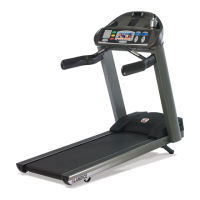
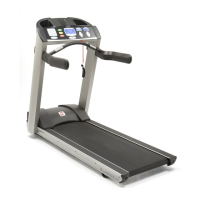
Upon exiting the weight input screen the treadmill enters Manual Mode where you control all of the treadmill functions.
Changes in speed or incline are a direct result of pressing a functon button on the control panel.
NOTE: Entering your weight helps to accurately calculate calories burned during workout.
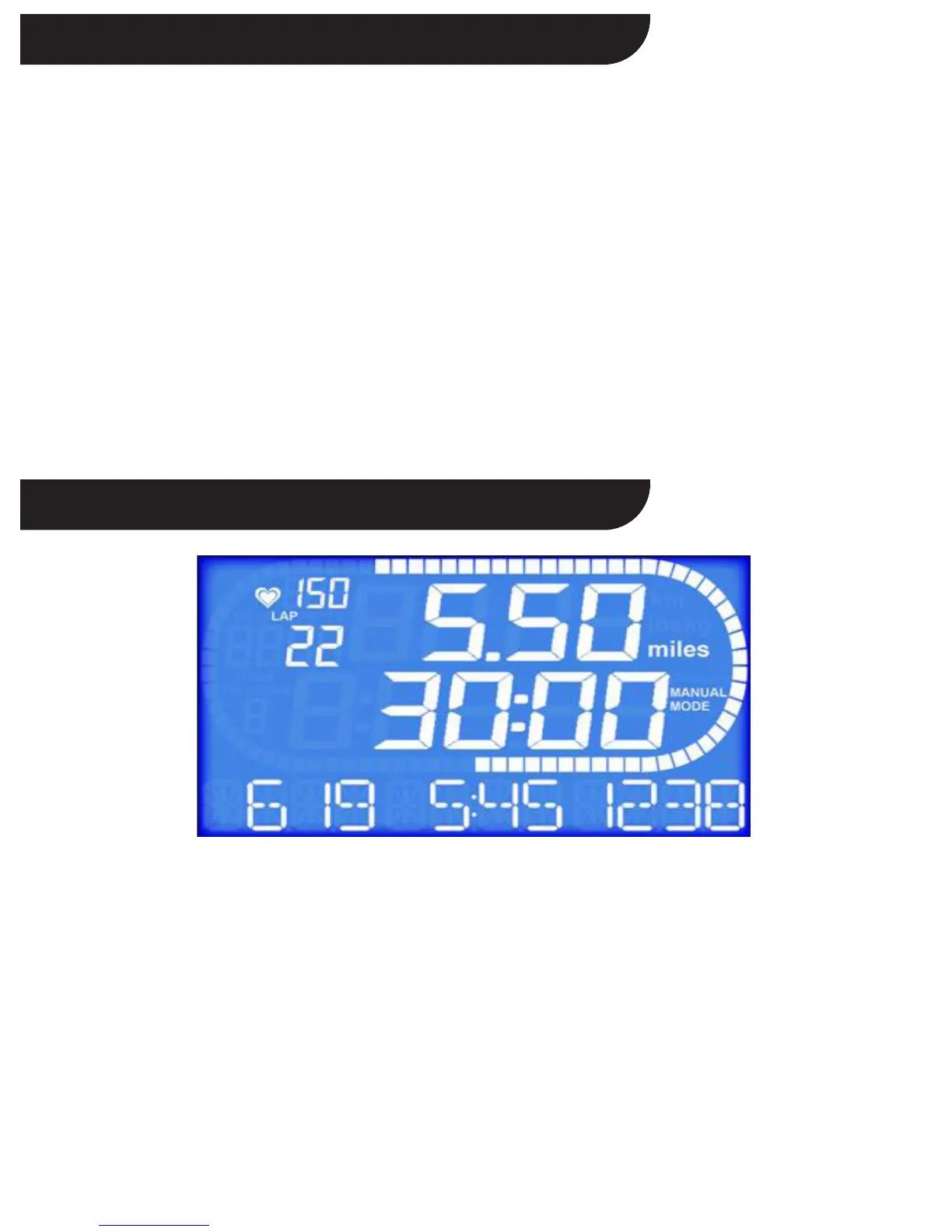
FEATURE DESCRIPTION
TIME Time logged on treadmill displayed as “Minutes: Seconds”
DISTANCE Miles logged on treadmill (kilometers when in metric)
CALORIES Total calories burned based on user weight
CALORIES/HR Rate in calories/hour based on user weight
PACE Time to complete 1 mile (1 kilometer when in metric)
METS* Current MET level, based on user weight / incline / speed
LAP COUNTER A 1/4 mile (400 meter in metric) lap counter will be displayed by pressing ENTER when METS is
showing. You can switch between Laps and METS by pressing ENTER or ARROW KEYS.
PULSE This is indicated by an image of a heart to show your current heart rate
(Optional feature, see Heart rate Monitoring)
PROGRAM Program # will be shown if program is selected
*One MET is defined as the energy consumed at rest by the average adult.
7
Display Features


 To Next Page