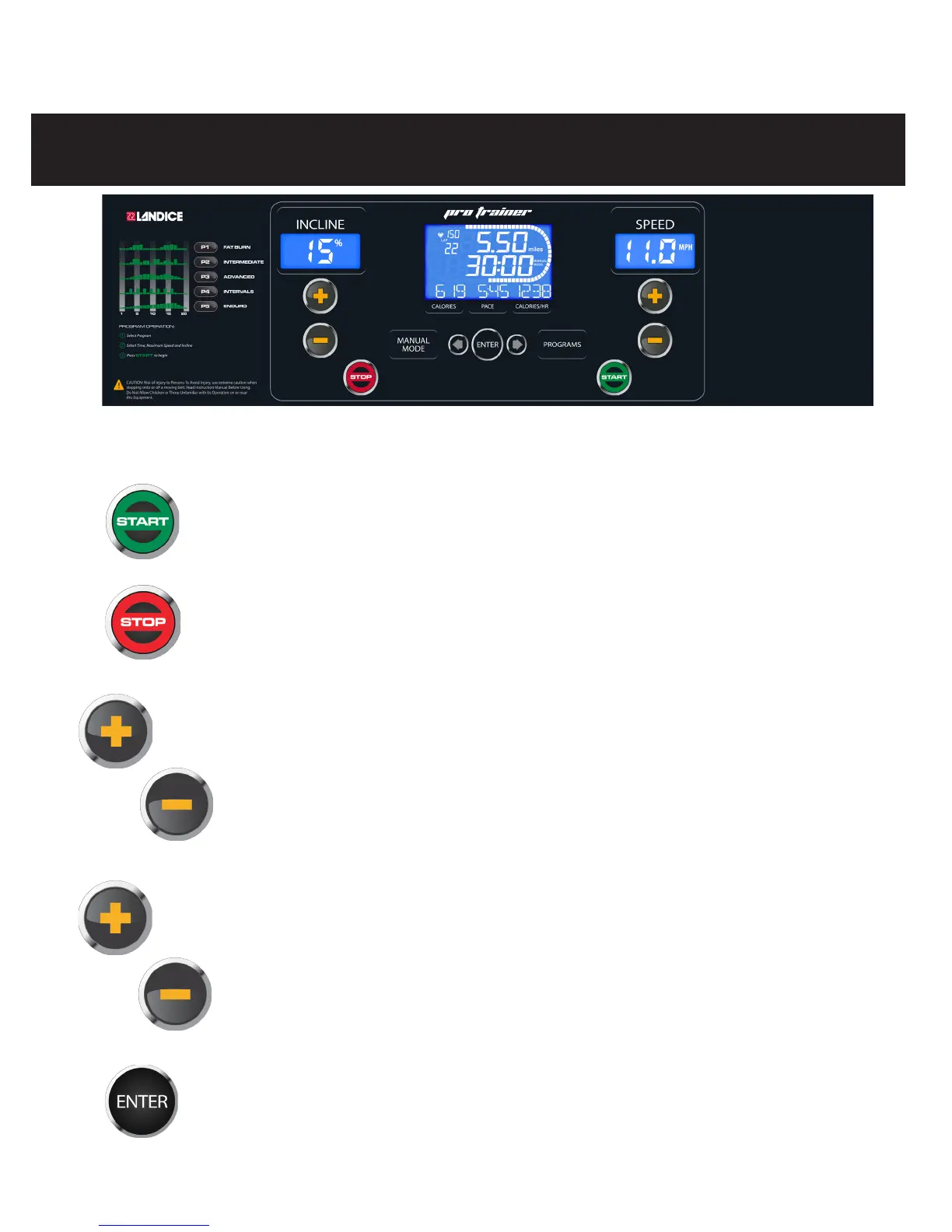
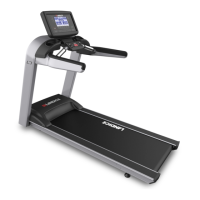
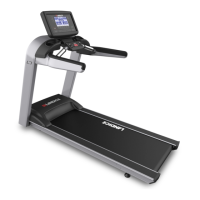
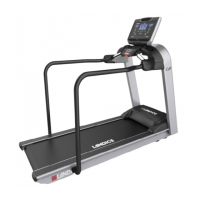
To start the treadmill:
Press START to power up treadmill. All displays will light and the treadbelt will begin to
move at 0.5 mph (0.8 km/h).
To turn off the treadmill:
Pressing STOP twice turns off the treadmill. The treadmill will shut off and all current
statistical information will be cleared.
To change speed:
Press SPEED “+” key down to increase speed. Depressing speed “+” key for longer than
2 seconds causes the speed to increase at a faster rate. Release the button when display
indicates desired speed.
Press SPEED “-” key down to decrease speed. Depressing speed “-” key for longer than
2 seconds causes the speed to decrease at a faster rate. Release the button when display
indicates desired speed.
To change incline:
Press INCLINE “+” key down to increase elevation. Depressing incline “+” key for longer
than 2 seconds causes the incline to increase at a faster rate. Release the button when
display indicates desired incline.
Press INCLINE “-” key down to decrease elevation. Depressing incline “-” key for longer
than 2 seconds causes the incline to decrease at a faster rate. Release the button when
display indicates desired incline.
To view Mets and Laps during your workout:
Press ENTER or ARROWS, at any time, to choose the stat that best suits your workout.
PRO TRAINER TREADMILL
Quick User’s Guide
Before you start the treadmill:
The Red Safety Key must be magnetically connected to the front of the display panel. Removing the SAFETY
KEY, during operation of the treadmill, will cause the treadbelt to stop until it’s replaced.


 To Next Page