4
STEP 1 STEP 2 STEP 3
STEP 4
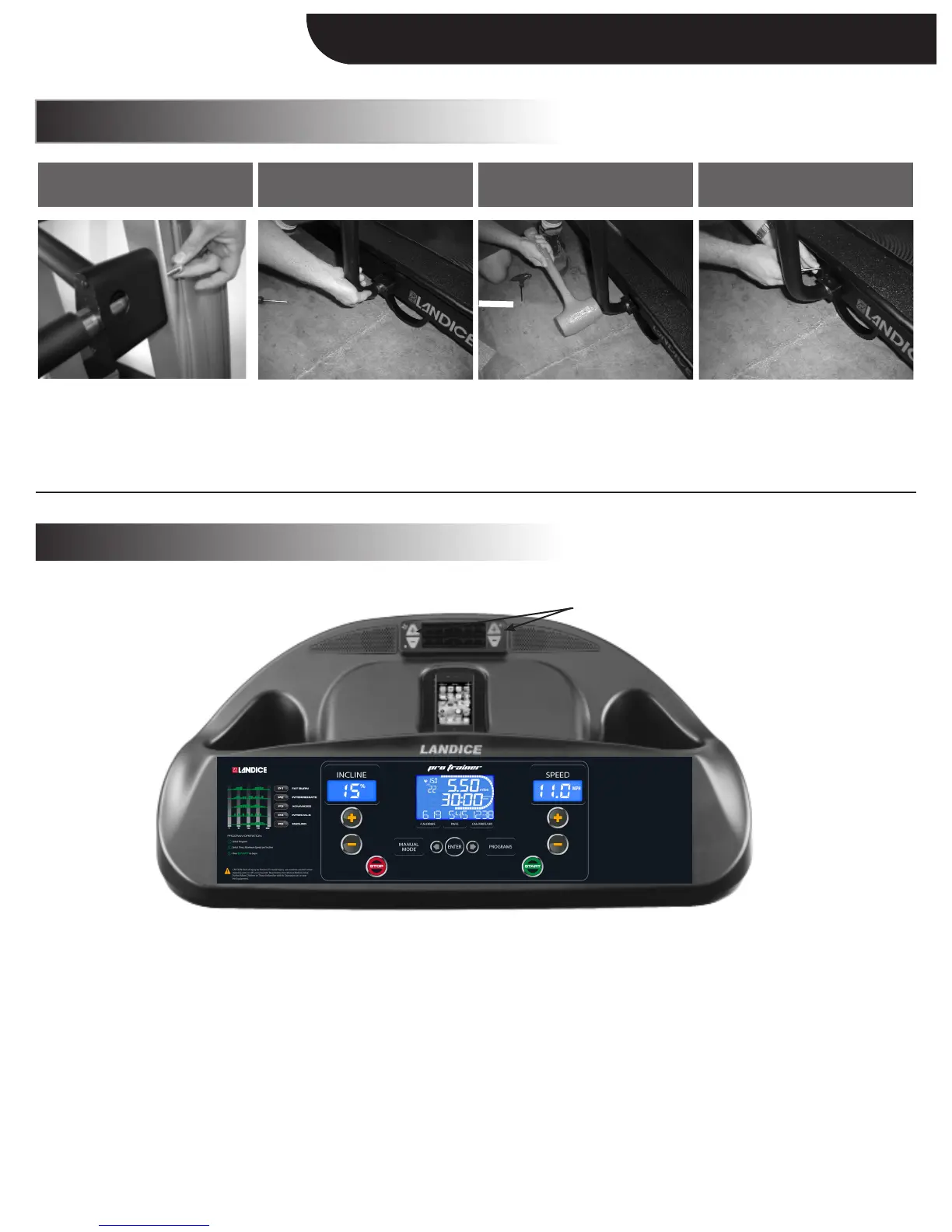
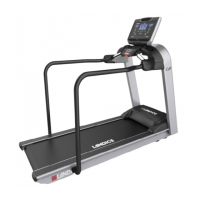
Insert the side rail into the upper
rail clamp and tighten the bolt
using a 1/2” socket.
(Do not over-tighten.)
Fit the side rail to the bottom
rail clamp.
Use a 3/16” allen wrench to tighten
the rail clamp bolts.
(Return to Step 9 in Assembly
Instructions).
Use a soft mallet to firmly set the
rails inside the clamp.
SPEAKERS:
To use the speakers, connect to the 3.5 mm head phone jack plug (compatible with any audio source with a standard headphone jack).
Speakers only operate when the treadmill is ON. Once you connect your personal player, you’ll be able to turn on/off and adjust the different
levels by pressing the “+/-” keys to the right of the fan vent.
FAN:
Fan will only operate when the unit is ON. You’ll be able to turn on/off and adjust the different levels by pressing the “+/-” keys to the left
of the fan vent.
NOTE: The ACCESSORIES KEYPAD has a small power LED (light) on the bottom left corner. This is a diagnostic light which will remain
lit as an indicator that the accessories are being adequately powered.
Appendix A: Medrail Installation
Speakers, Fan, Accessories Keypad
Accessories Keypad
Assembly Instructions


 To Next Page