35
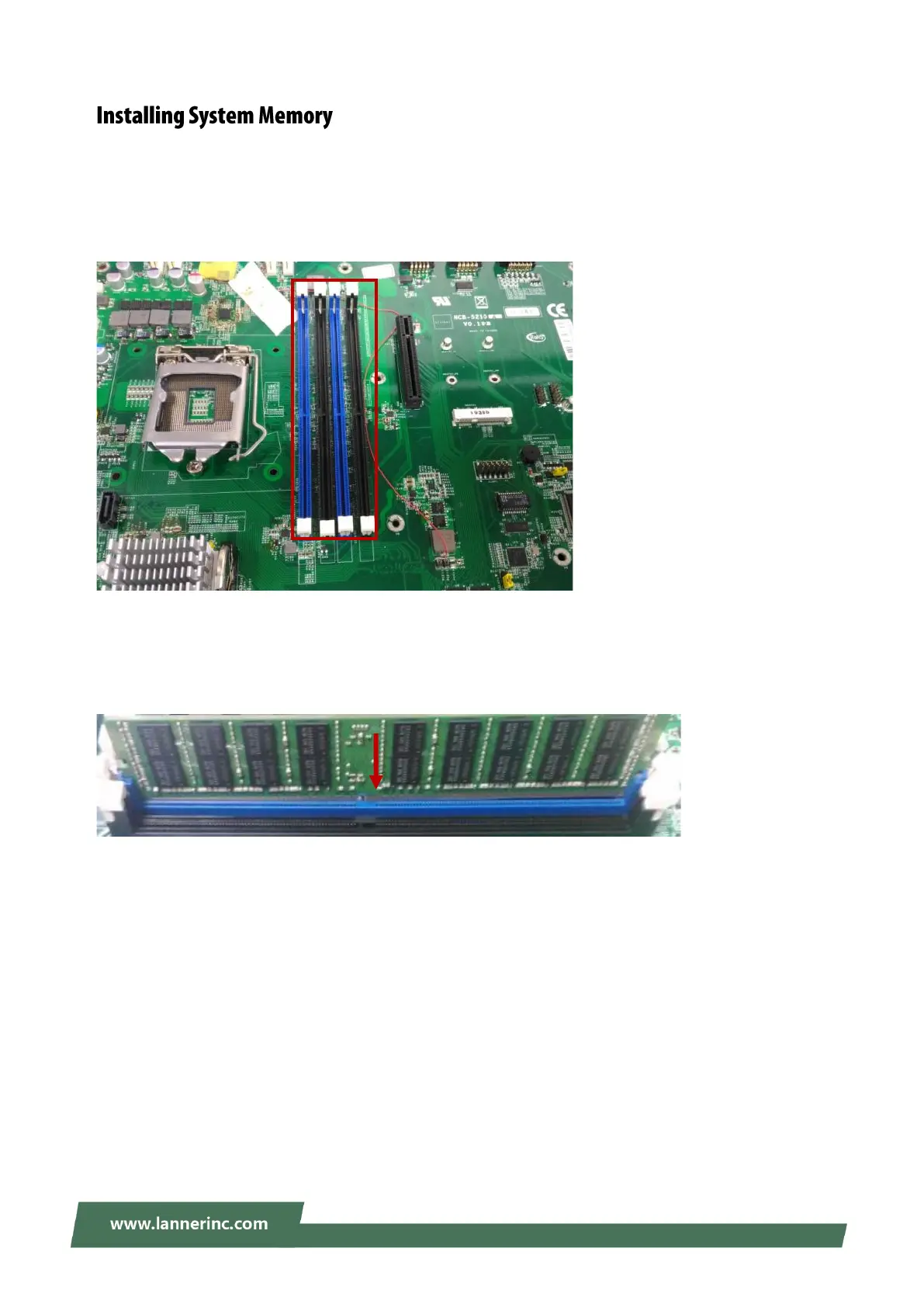
The motherboard supports DDR4 RDIMM/ECC/UDIMM up to 2,400MHz memory at max. 16GB per socket.
Please follow the steps below to install the DIMM memory modules.
1. Power off the system and locate the DDR DIMM slot.
2. Pull open the DIMM slot latches (white tabs)
3. Align the DIMM module and make sure the notches of the module aligned with the socket keys in the
slot.
4. Insert the module into the slot until it’s firmly seated and close the latches.



 To Next Page