43
The system can be installed in a rack, with the slidable rails allowing access to the system while solidly
securing the system. Please follow the steps below for installation.
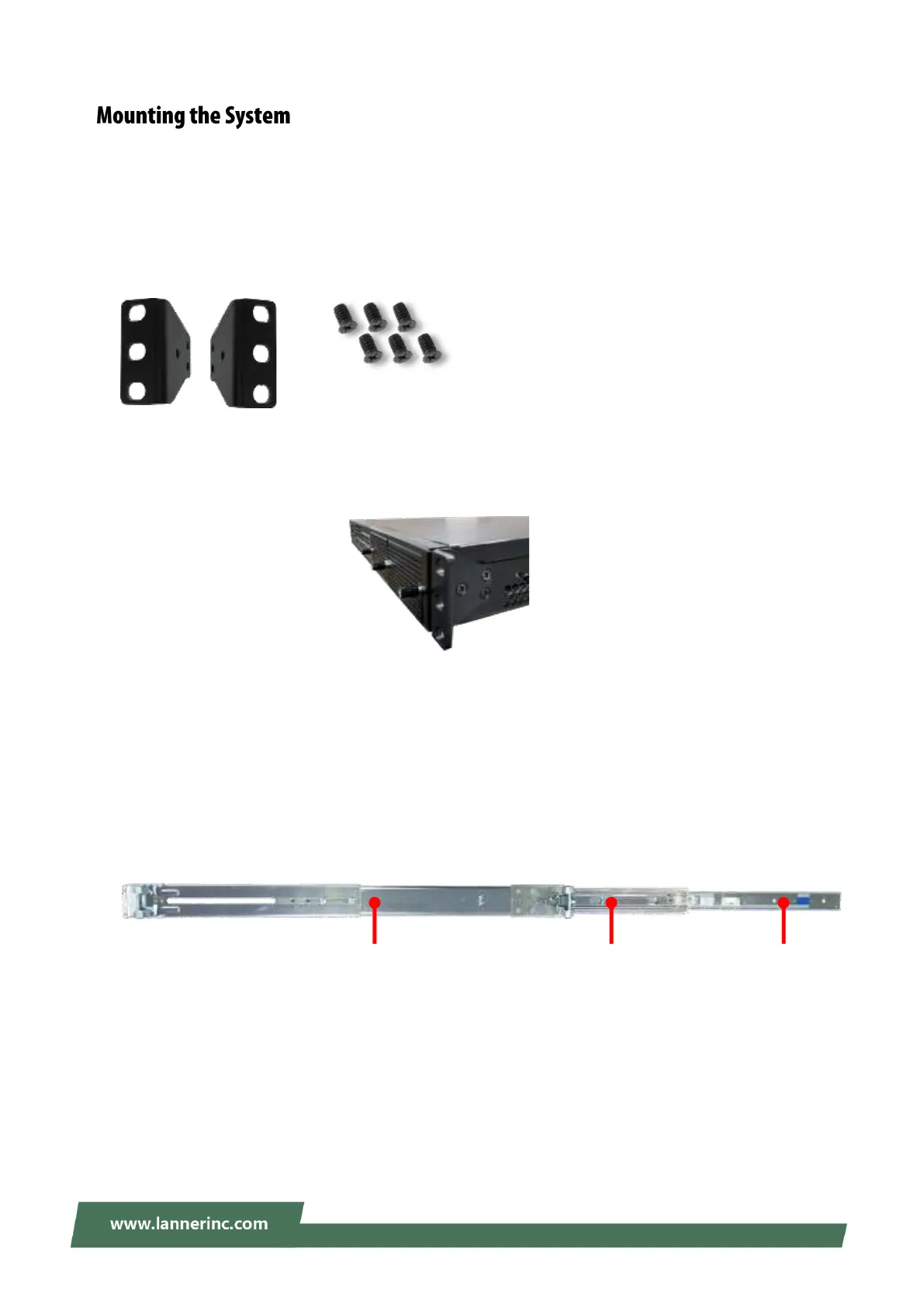
Attaching the Short Ear Brackets
The Ear Brackets come with six screws, as shown below.
Take an ear bracket, align the holes on it with those on the side of the system, and lock it onto the system
with the three (3) provided screws. Do the same to the other ear bracket.
Attaching the Slide Rail
The slide rail kit shall include the following items:
1x pack screws
2x Slide-rails
Fully stretched slide rail:
Outer Channel Inner Channel Rail
Bracket



 To Next Page