16
( 21 ...
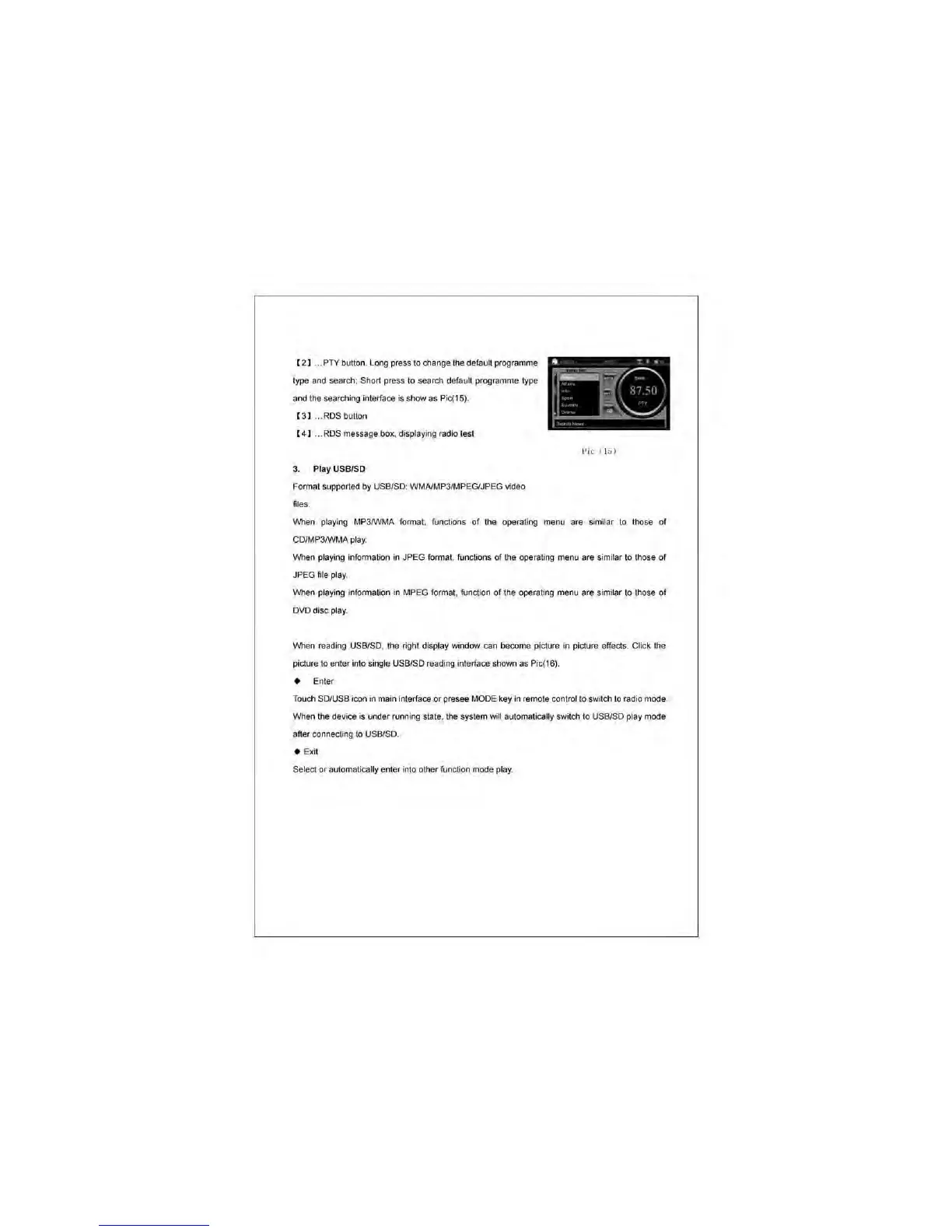
PTY
bl.llton. l ong press to change the default programme
type and search;
Shon
press to search default programme type
and the searching interface is show as
Pic(t5)
.
( 3 ) ... ROS button
[ 4 1 .
..
ROS message
!>ox
. displaying radio test
3. Play USBISD
Format supported
by
USB/SO: WMAlMP3/MPEGlJPEG video
files.
Pic
(Iii)
When playing MP3JWMA format, functions of the operating menu are similar
to
those
of
CO/MP3rWMA play.
When playing information in JPEG format. functions of the operating menu are similar to those of
JPEG file play.
When playing information in MPEG format. function
of
the operating menu are similar to those of
OVO
disc play.
\Mlen
rea<ling
USB/SO. the right display window can oocome
pic1l.lre
in picture effects. Click the
picture
to
enter into single USB/SO readi
ng
interface shown as Pic(16).
• Ent
er
Touch SO/USB icon in main interface or presee MODE key in remote contralto switch
to
ra<lio
mode.
When the device is under running state, the system will automatically switch to USB/SO
p!;Jy
mode
after connecting
10
USBlSD_
• Exit
Select or automatically enter into other function mode play.



 To Next Page