4
1
3
4
2
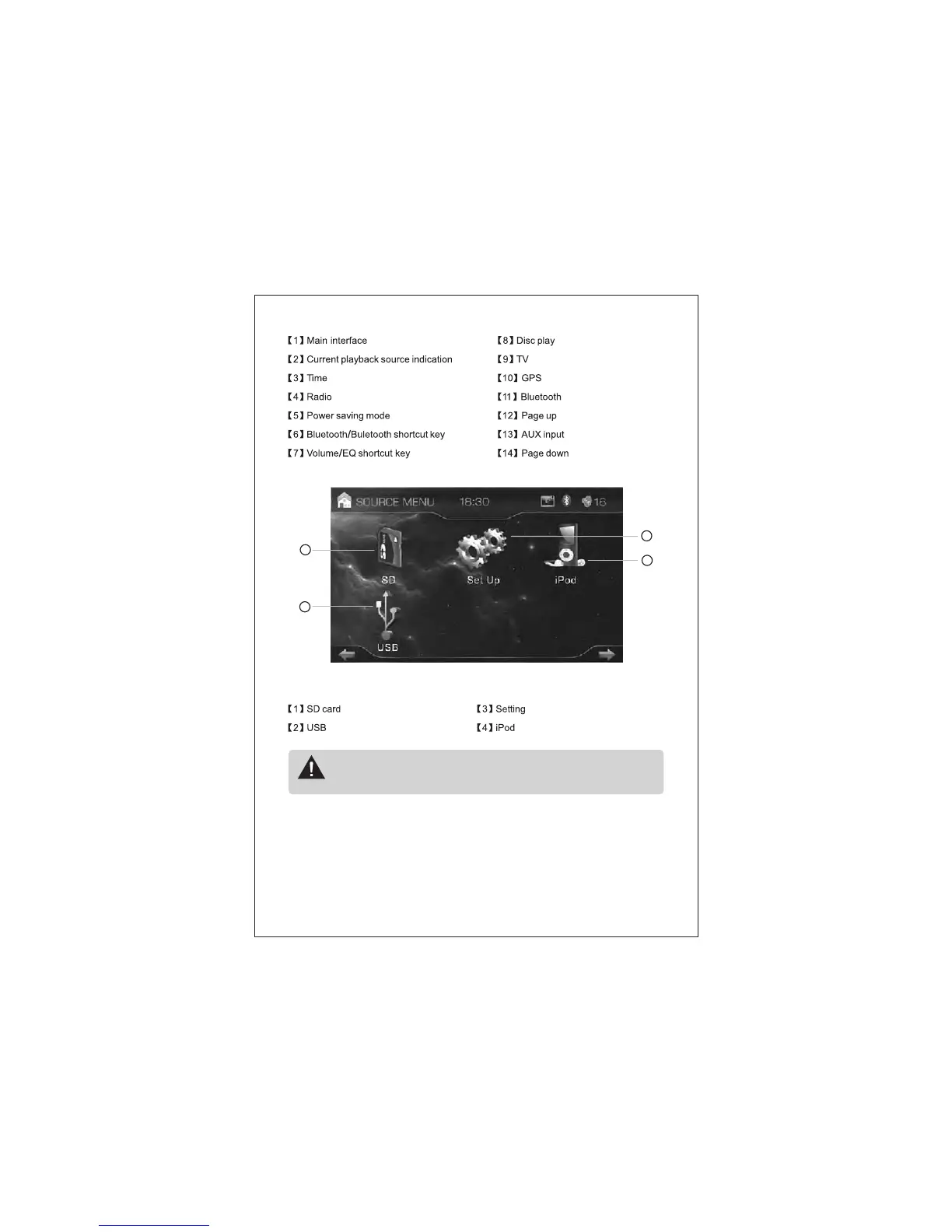
Pic (2)
Note: some functions above are optional. If there is no input source of the above
function or no such function, a prompt box “No input source” will pop when
touching the related icon
◆ Function mode selection
Touching the function icon of main interface, you will enter into corresponding function
mode.
◆ Volume & sound adjustment



 To Next Page