48
[2]
R
Balance set1ing for rear sound
1rack,
click the right
coordinate to realize
it
[3]
L
Balance
set1ing
for left sound track, click the right
coordinate to realize
it
[4]
R
Balance set1ing for right sound track, click the right
coordinate to realize
it
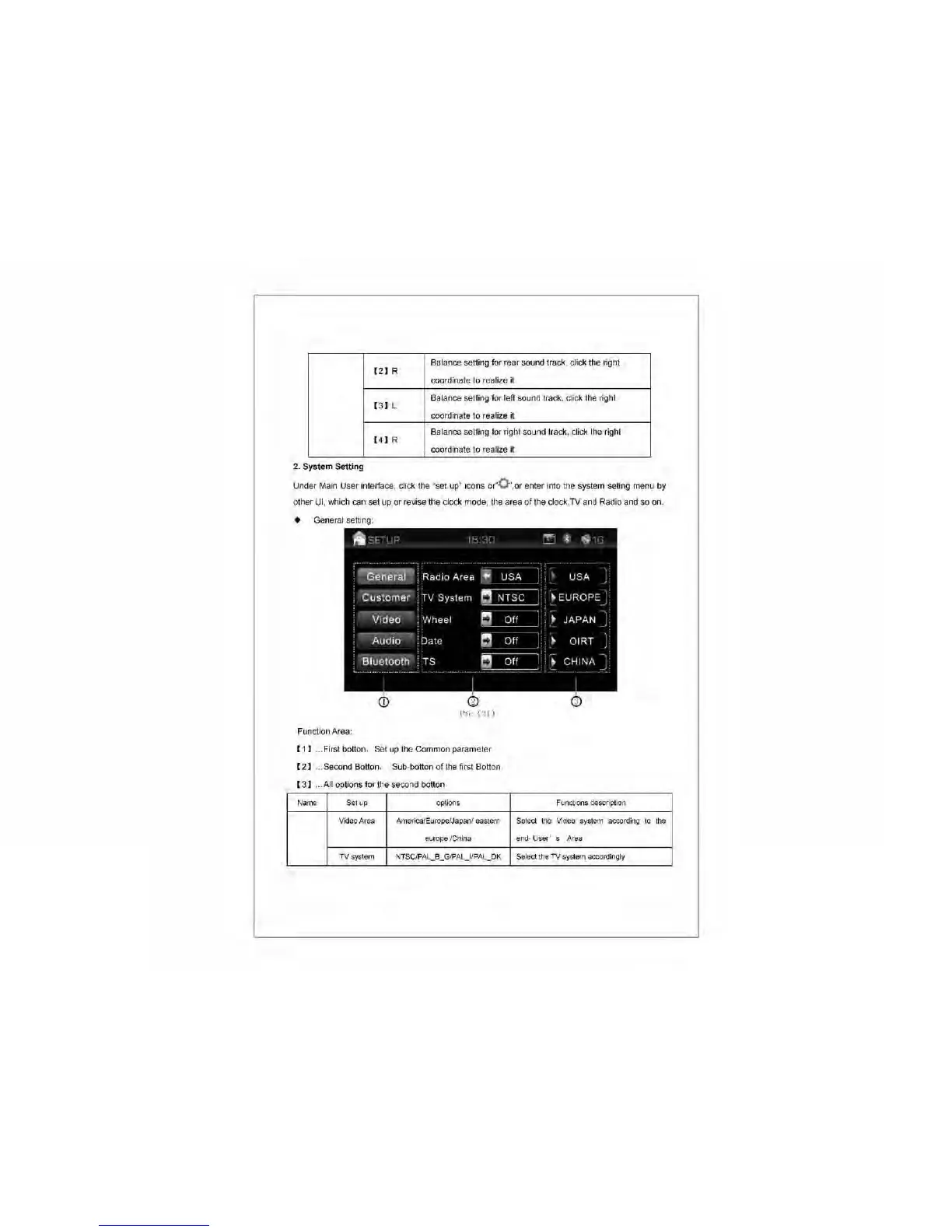
2. System Setting
Under Main User inteliace, click the "set up" icons or"O ",or enter into the system seting menu by
other
UI,
which can set up or revise the clock mode, the area
of
the clock,TV and Radio and so on.
• General setting:
['ie
ell)
Function Area:
[1]
... First botton, Set
up
the Common parameter
[2]
... Second Botton, SUb-botton
of
the first Botton
[3]
...
AII
options for the second botton
N,m<;
Set up options Functions description
Video Area America/Europe/Japan/ eastern Select the Video system according to the
europe fChina
end- User' s
Area
TV system
NTSCIPAL _ B _ GIPAL
_If
PAL
_
OK
Select the TV system accordingly



 To Next Page