6
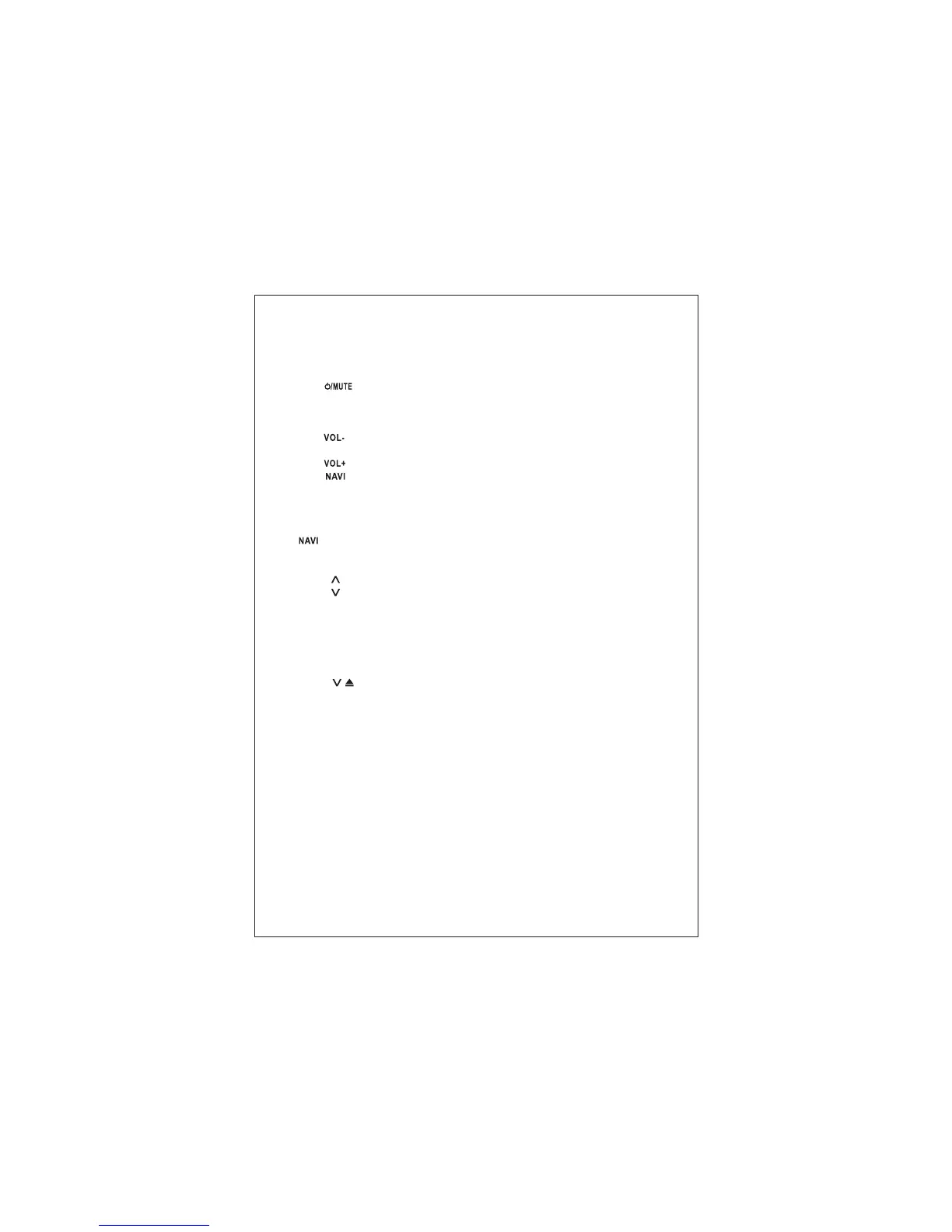
Panel key operation
【1】…IR Infrared window for remote control
【2】… short press for mute; long press for power on/off.
In the standby status, short press to start the system.
In the turned on status, long press to shut down the system.
In the turned on status, short press to close/ open the volume.
【3】… Volume decrease
【4】…MIC Microphone window
【5】… Volume increase
【6】… GPS
Short press: Switch between current play status and GPS.
Long press: Display picture in picture. PIP position can be dragged. Click the PIP, the
display ratio will be enlarged; Click again, PIP will be closed. (Without video input
source, there will be no PIP displayed. )
… /P Conversion between GPS and PIP display.
【7】… Insert/eject a disc
【8】…RES Reset key
【9】…
【10】…
【11】…USB port
【12】…PIP display under GPS mode
【13】…MMC MMC port
【14】…AUX IN jack
【15】…HOME (MENU) Back to main interface
【16】…DIM Color display adjustment
【17】… / Short press to slide down; long press to eject disc (apply to slide down
DVD only)
【18】…BT Bluetooth interface
【19】…TV interface
【20】…RADIO Radio interface
Remarks:
1. Long press(3 seconds) of any icon in the main interface, then the icons can be
dragged and rearranged at will.
2. Under the main interface, slide the touch screen from left to right to switch to main
interface page up; slide the touch screen from right to left to switch to main interface
page down.
3. Under any interface, press the touch screen lightly and rotate clockwise to increase
volume; rotate counter clockwisly to decrease volume.



 To Next Page