26
3.
Touch
screen
A. Click:
click.
the screen
B Double-
click.:
quickly click screen twice
C. Drag: Hold down a point, then drag
Note: T
he
screen may
be
scratched
by
any sharp
or
rough objects.
4.
SD memory card
This device is with built-in SD memory card slot. The software or mutimedia files can
be
stored
in
SD card
and
displayed
in
the device.
A. Insert the SD memory card into the slot properly
and
push the card
in.
When hearing a
cl
i
ck,
it
indicates that the card
is
inserted.
B When removing
the
SD
memory card , please push the card, then it will automatically
pop
up
.
C. The device should
be
in
OFF status when inserting/removing the
SD
card.
D. When the
SD
card
is
in
use, please do not remove it
to
avoid data error or lost.
Detailed instructions of GPS
1.
Touch
screen correction
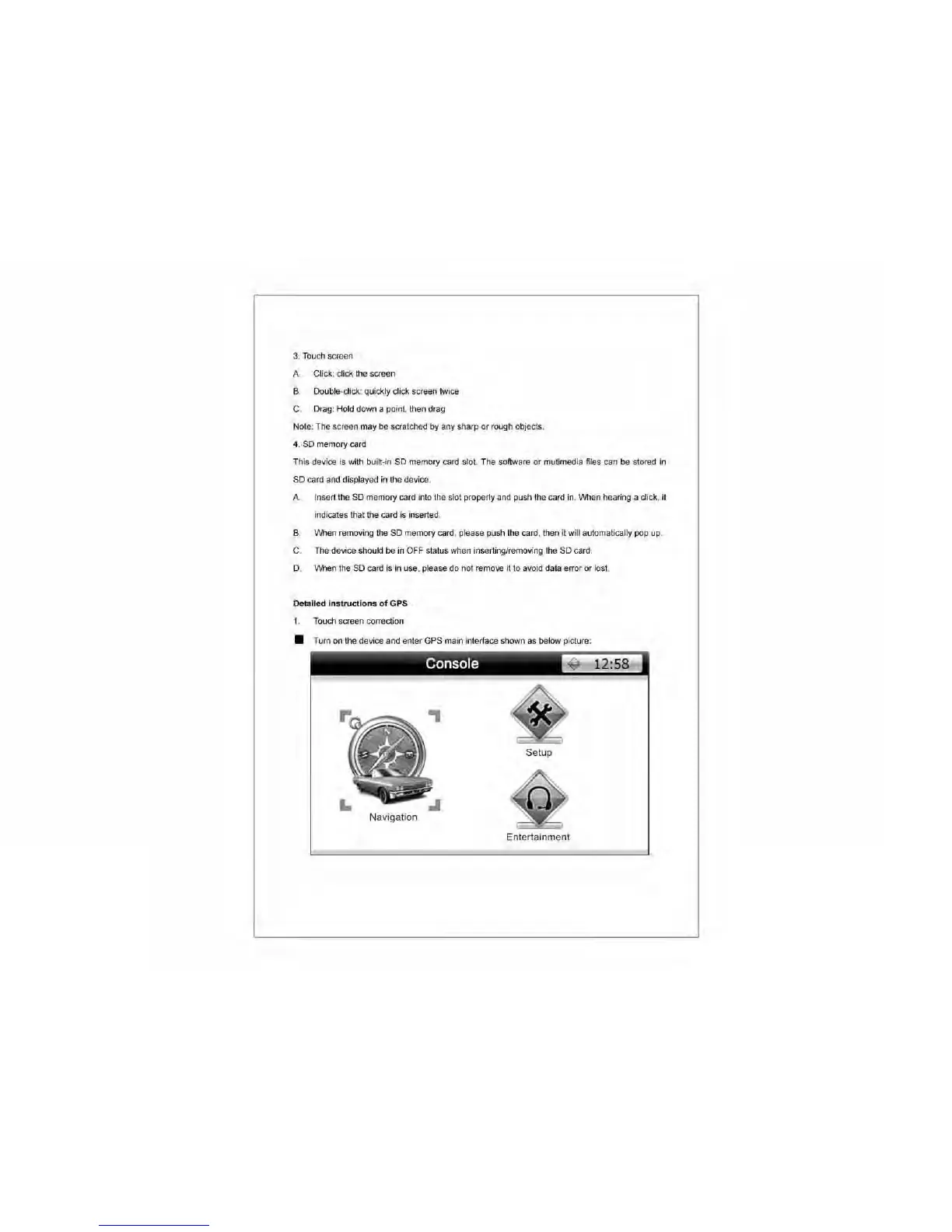
• Turn
on
the device and enter GPS main interface shown
as
below picture:
Console
~
12:58
Setup
Navigation
Entertainment



 To Next Page