13
[ghi]
..
Current subtitle status. 3/4 shows that the disc totally has 4 subtitles,
and
current
it
is
in
the third one-Chinese subtille.
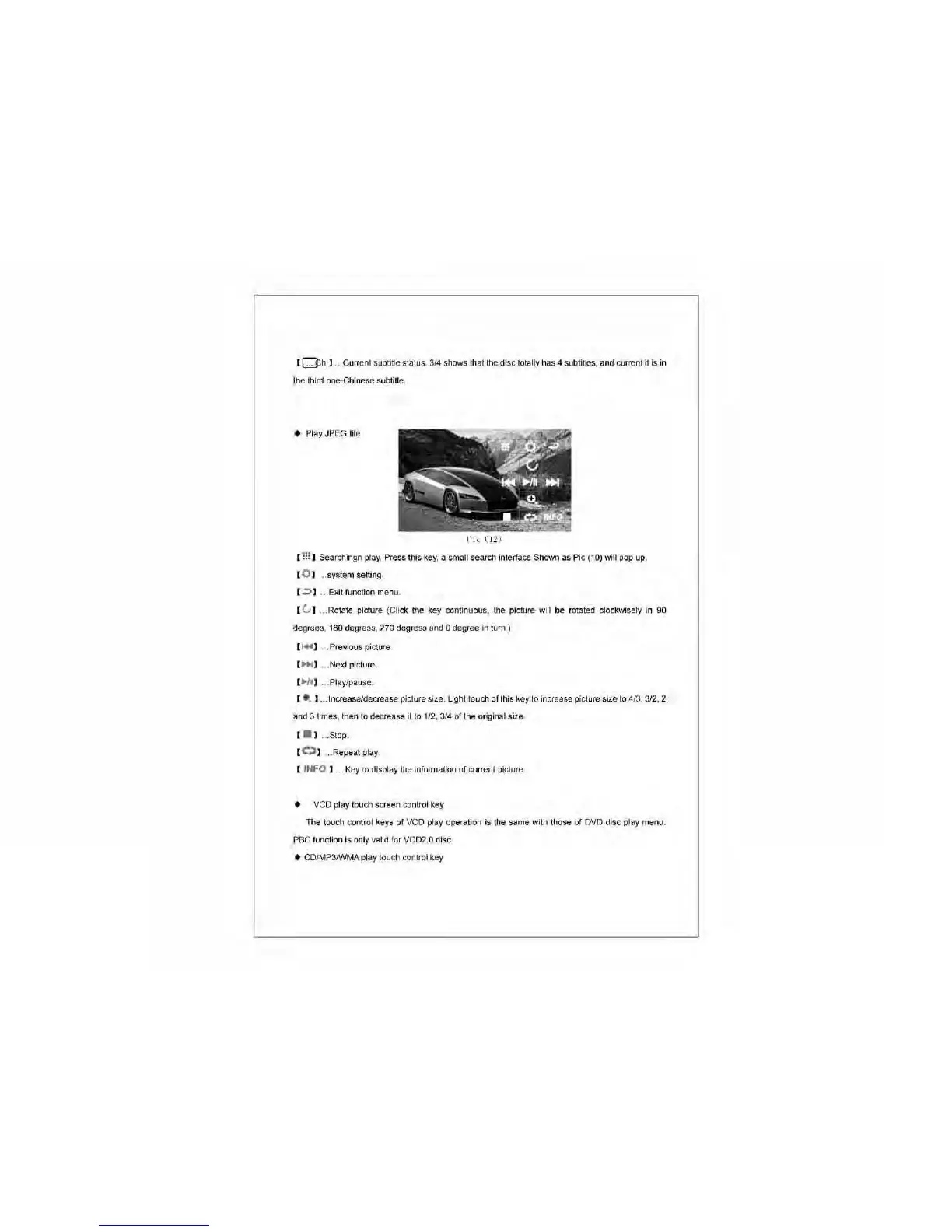
• Play JPEG file
Pi
i.."
(12)
[
!:!
] Searchingn
play.
Press this
key,
a small search intertace Shown
as
Pic (10) will
pop
up.
[ 0 ] .. system setting.
[ .;:)] ... Exit function menu.
[ u ]
..
Rotate picture (Click the key continuous, the picture will
be
rotated clockwisely
in
90
degrees, 180 degress, 270 degress
and
0 degree
in
turn.)
[
....
]
..
Previous picture.
[ ..... ]
..
Next picture.
[
"'h
l]
..
Play/pause.
[ .... ]
..
. Increase/decrease picture size. Light touch of this key
to
increase picture size
to
4/3, 3/2,
2,
and
3 times, then
to
decrease it
to
1/2, 3/4 of the original size
[ _ ]
..
Stop.
[
C~
]
..
Repeat play
[
INFO
]
...
Key
to display the information of current picture.
•
VCO
play touch screen control
key
The touch control keys
of
VCO
play operation
is
the same with those of
OVO
disc play menu.
PBC function is only valid for VC02.0 disc.
• CO/MP3/WMA play touch control key



 To Next Page