3
Basic operation
◆ Starting up
Insert car keys to turn on ACC, then the system will automatically enter into the
status before ACC close.
Under the state of system off, short press of key or other keys can turn on.
◆ Power off
Pull out the car keys, the system will automatically turn off. If it is switching
mechanism, it will automatically withdraw.
Long press (more than 2 seconds) of key in the panel, the system will turn off.
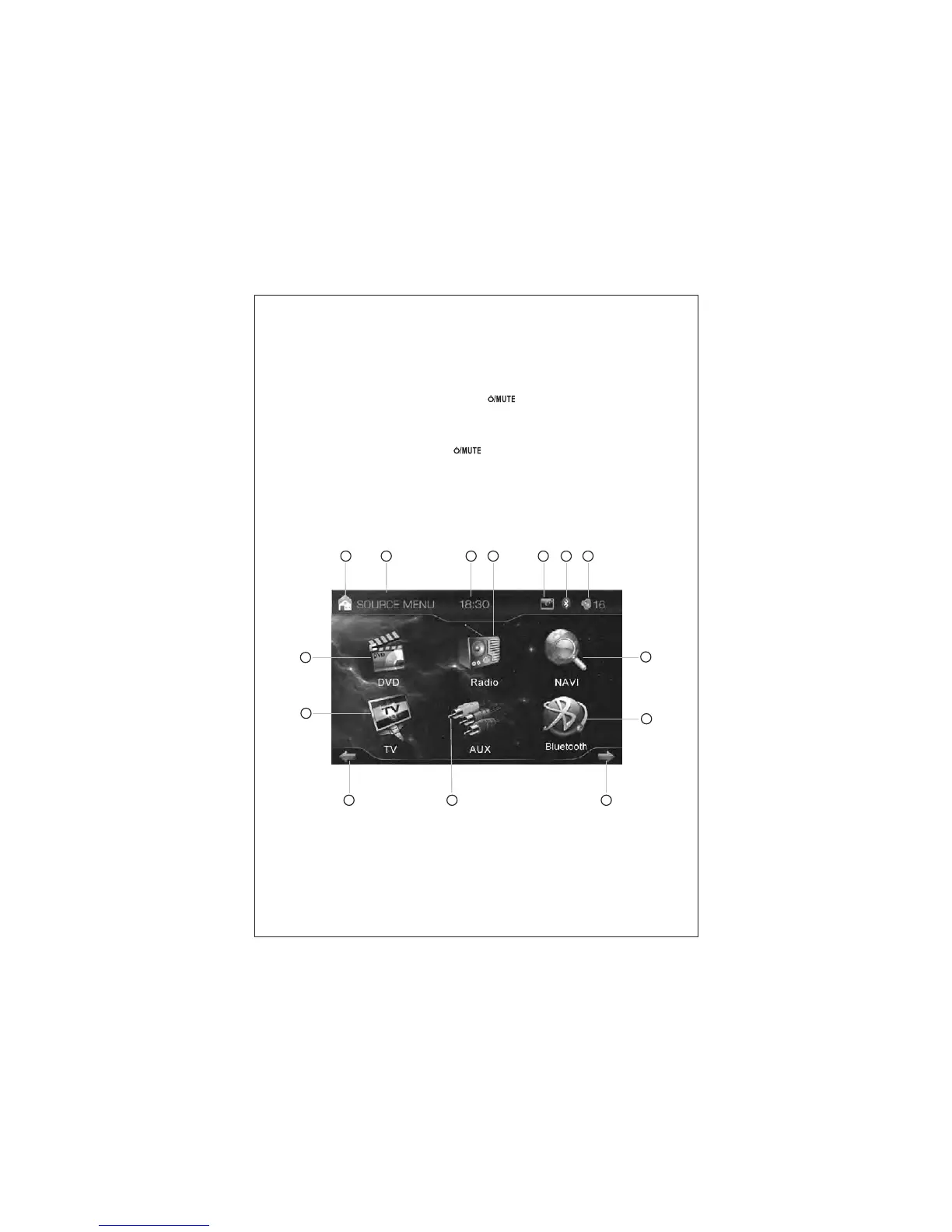
◆ Main interface
In the status of ON, touch the top left of the screen to enter intomain interface.
The system provides functions of DVD, Radio, SD card, USB jack, Bluetooth, TV,
GPS, Ipod, Aux in, Rearview camera input. Touch the icons in the main interface to
enter into the relavent function.
1 2 3
5 6
74
8
10
9
11
12 1413
Pic (1)



 To Next Page