21
( 5 ) . . Next valid
TV
channel
( 6 )
...
Click key 10 enter AS function.
~
wi
ll
automatically search and pre-store channels.
{71 . . Click the key. the system will scan channels w
rt
h stronger signals for 10s respectively within
full
chann~s
.
( 8 ) ... TV display window. Click the picture. it will switch to full screen display Under full screen
display, slide down \he picture, it will return to small window display interface.
6.
AU
X In
(Auxiliary
de
vice
Input
)
The
system
has
2 audio inputs and t vedio AUX
au
~
iliary
input.
AUX
in enables external media
sources to connect to the system,
li
ke camera. video game. walkman. external navigation box
(controled
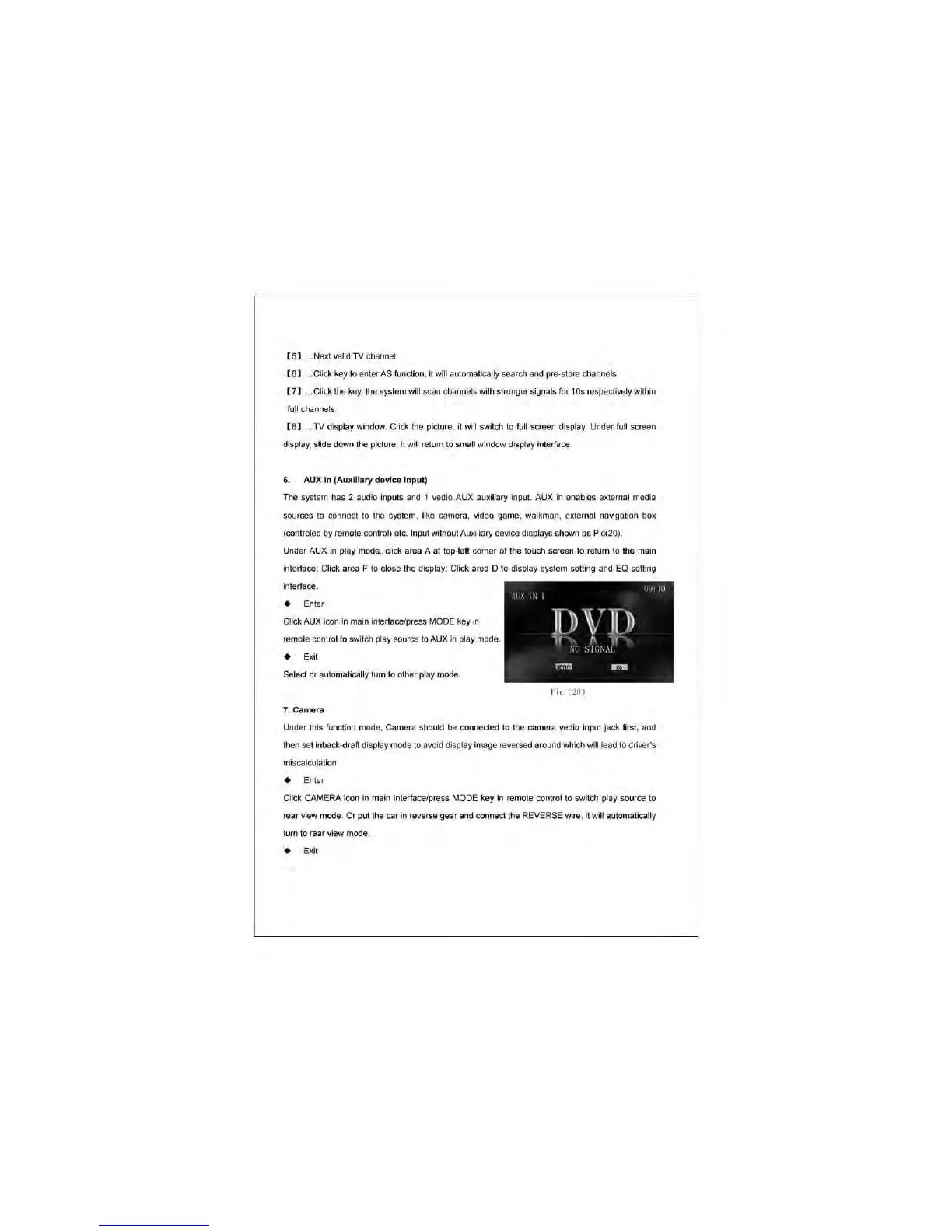
by remote control) etc. Input without Auxiliary device displays shown
as
Pic(20).
Under AUX in
pl
ay mode, dick area A
attop-left
comer
of the touch screen to return to the main
interface; Click area
F to
dose
t
he
display; Click area D to display system
se
tti
ng
and
EQ
setting
interface.
• Enter
Click AUX icon in main
In
terface/press
MODE
key In
remote control to switch play source to AUX
in
play
mode
.
• Exit
Select
or
automatically
tum
to
other
play mode.
7.
Camera
I'k
( 20)
Under this function mode. Camera should
be
connected to the camera vedio input jack firs!. and
then setlnback-<lra
ft
disp
l
ay
mode
to avoid display Image reversed around which will lead to driver'S
miscalculation
• Enter
Click
CAMERA
icon in main interface/press
MODE
key in remote control to switch play source to
rear
v;ew
mode
.
Or
put the car in reverse
gear
and connect \he REVERSE wire.
it
wi
ll
automatically
tum to rear view
mode
.
• Exit



 To Next Page