12
(
TITlE
I ... Click the
key
to
enter tilte menu.
(
@212
) ... Page turning.
(
INFO
1 ... Click the key
to
display current play inlonnatiOfl.
• Seardhing play
Search keyboard
( Track ) ···Search
file
dis~ay
0fI
order
( Exit ) ···Exit numerical keyboard menu.
(_1
. ·Delete tile number entered.
( OK) ···Confirmation
( 1.2.3.4.5.6.7.8.9.0 ) ···Numeric key
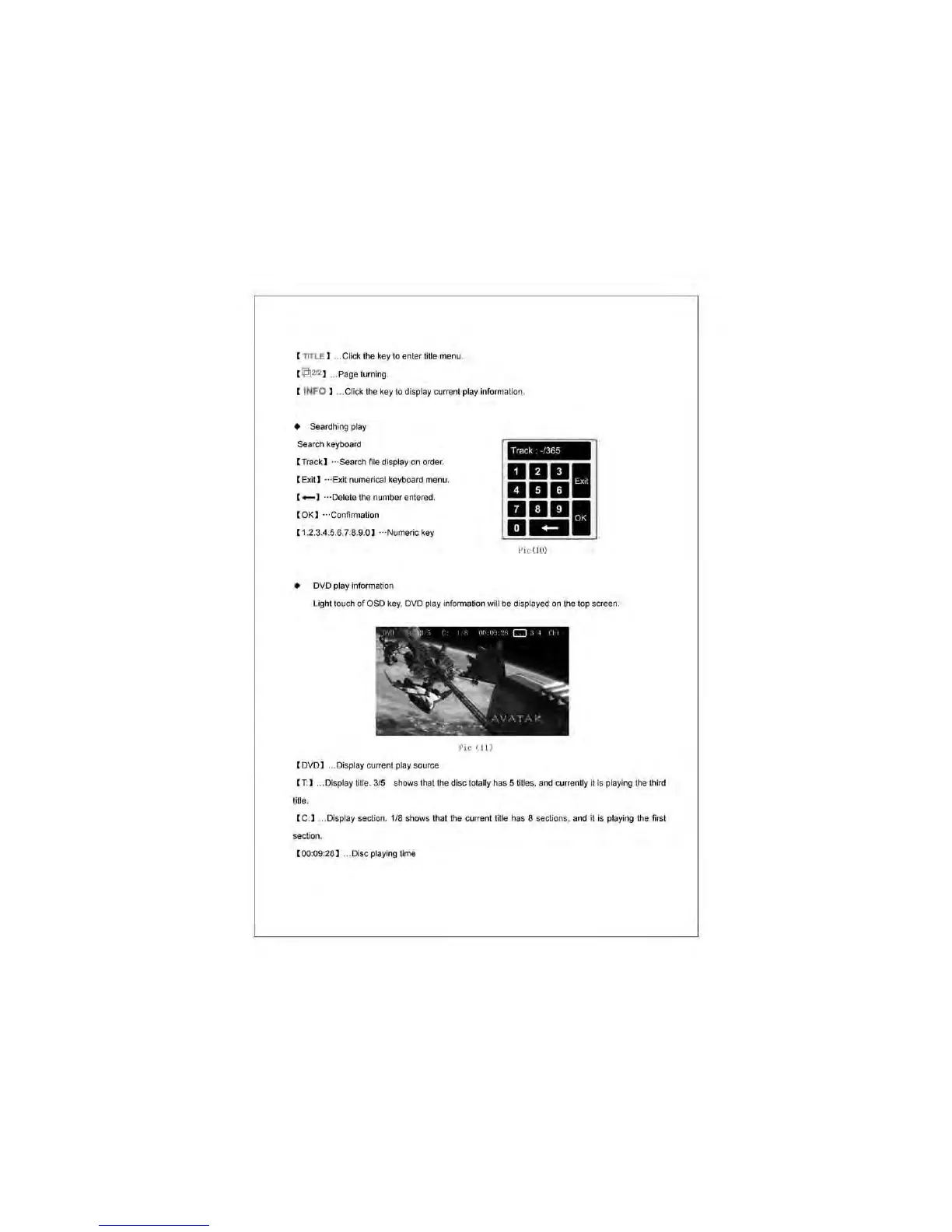
• DVD play information
Track
··365
1 2 3
4 5
•
7 8 9
0
+-
Pic\lO)
[<I
0<
Light touch
of
050
key.
DVD
play information wilt
be
displayed
on
the top screen.
Pic
(J
\ )
( DVD l .
..
Display current play source
( T:) ... Display title.
315
shows that tile disc totally has 5 mles. and currently
~
is
playing
the
third
title.
( C:) ... Display
sedkln
.
118
shows that
the
current title has 8 sections. afld it is playing the first
section.
( 00:09:28 1 ... Disc playing time



 To Next Page